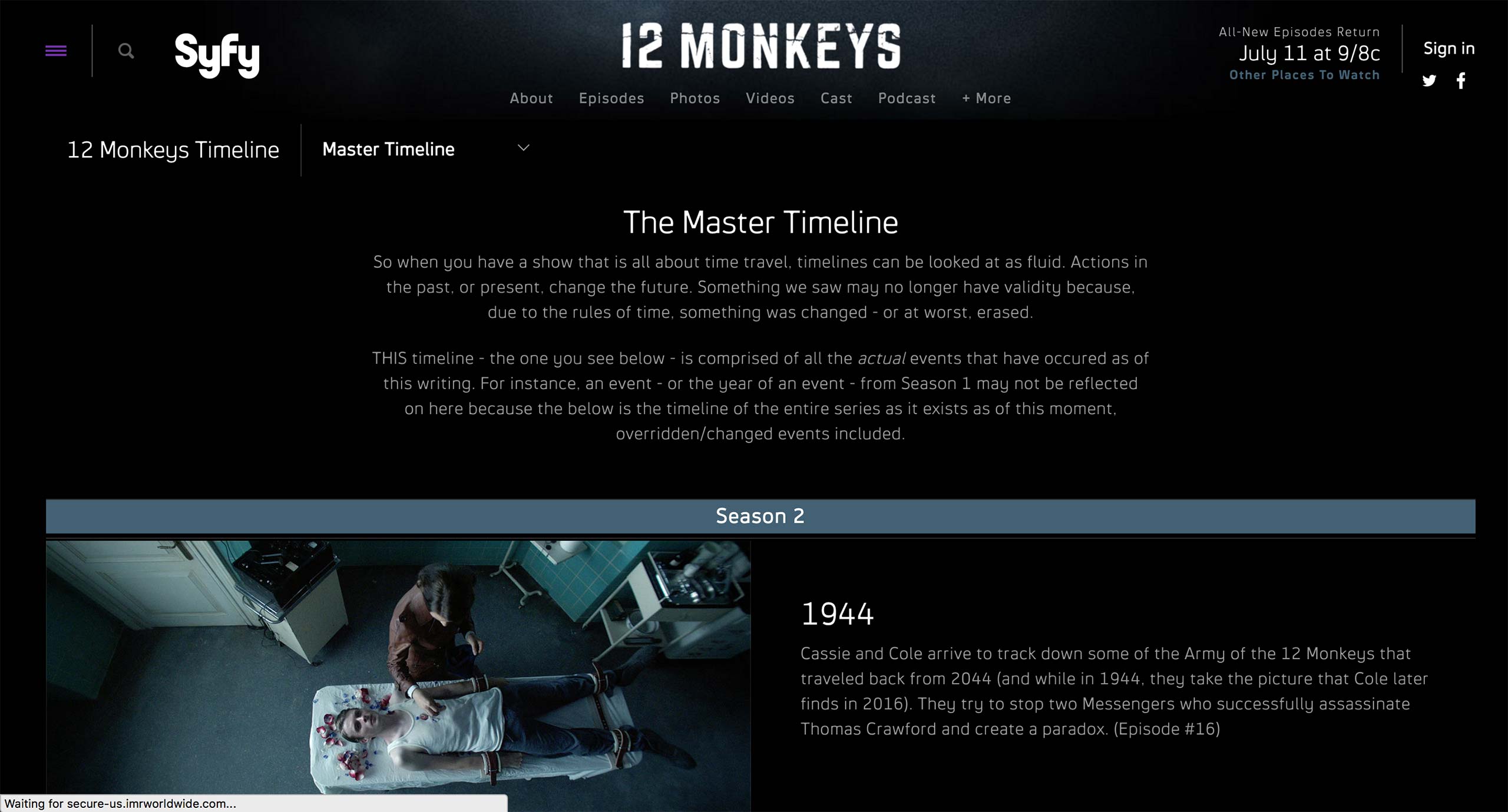
Syfy has a similar content type called Timeline to showcase the events that happened during the season. It’s about a specific show and a season with the events laid out in chronological order.
Timeline can feature images, videos, and also text only, and the placement of the media assets can be either left or right of the shelf.
Entire timeline can also feature some text, and shelves can be categorized with separators, e.g. Season 2 in this example.
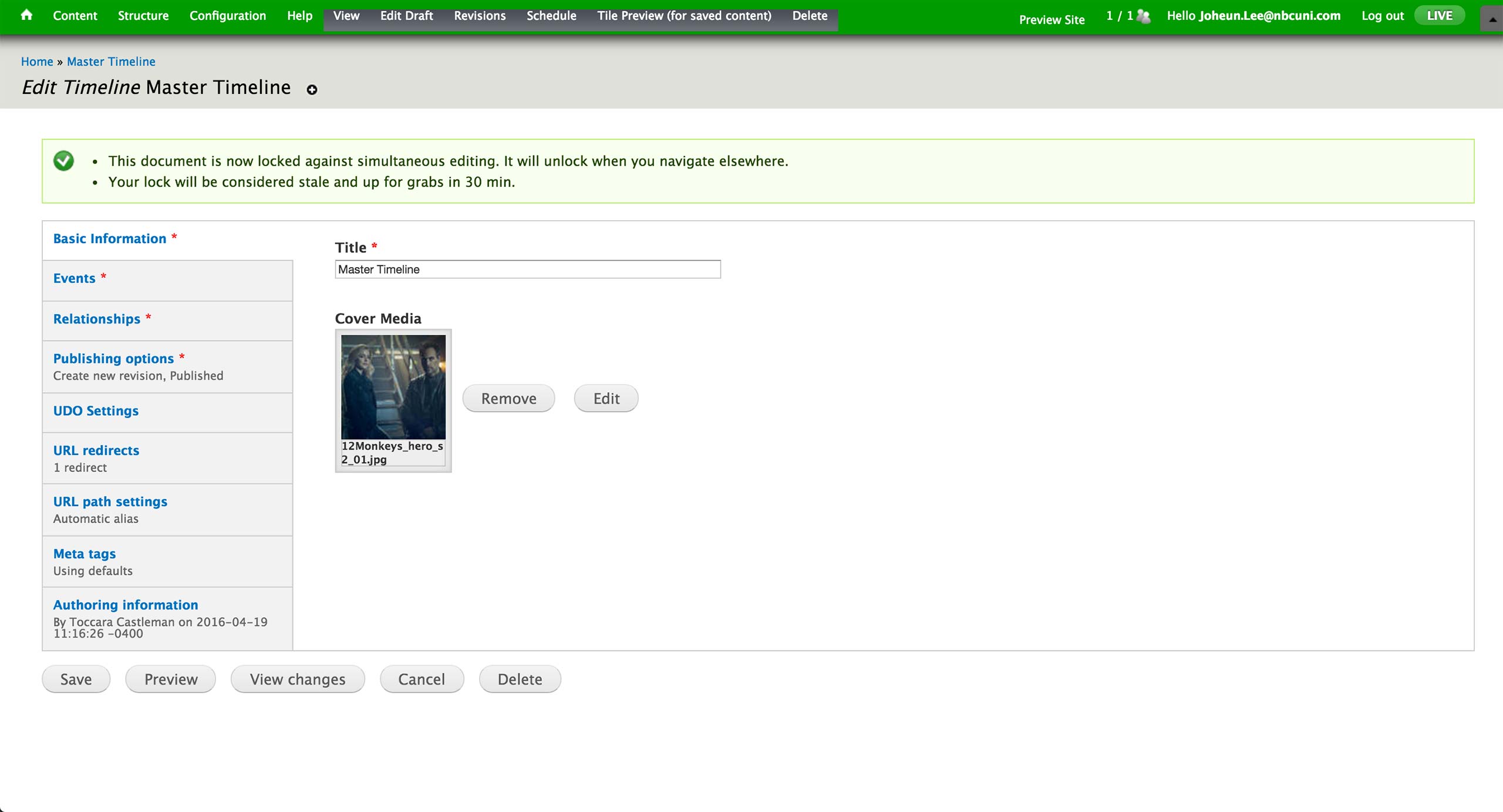
This is the initial screen of the Timeline Content Type. Here, producer sets the title and the cover image of the timeline.
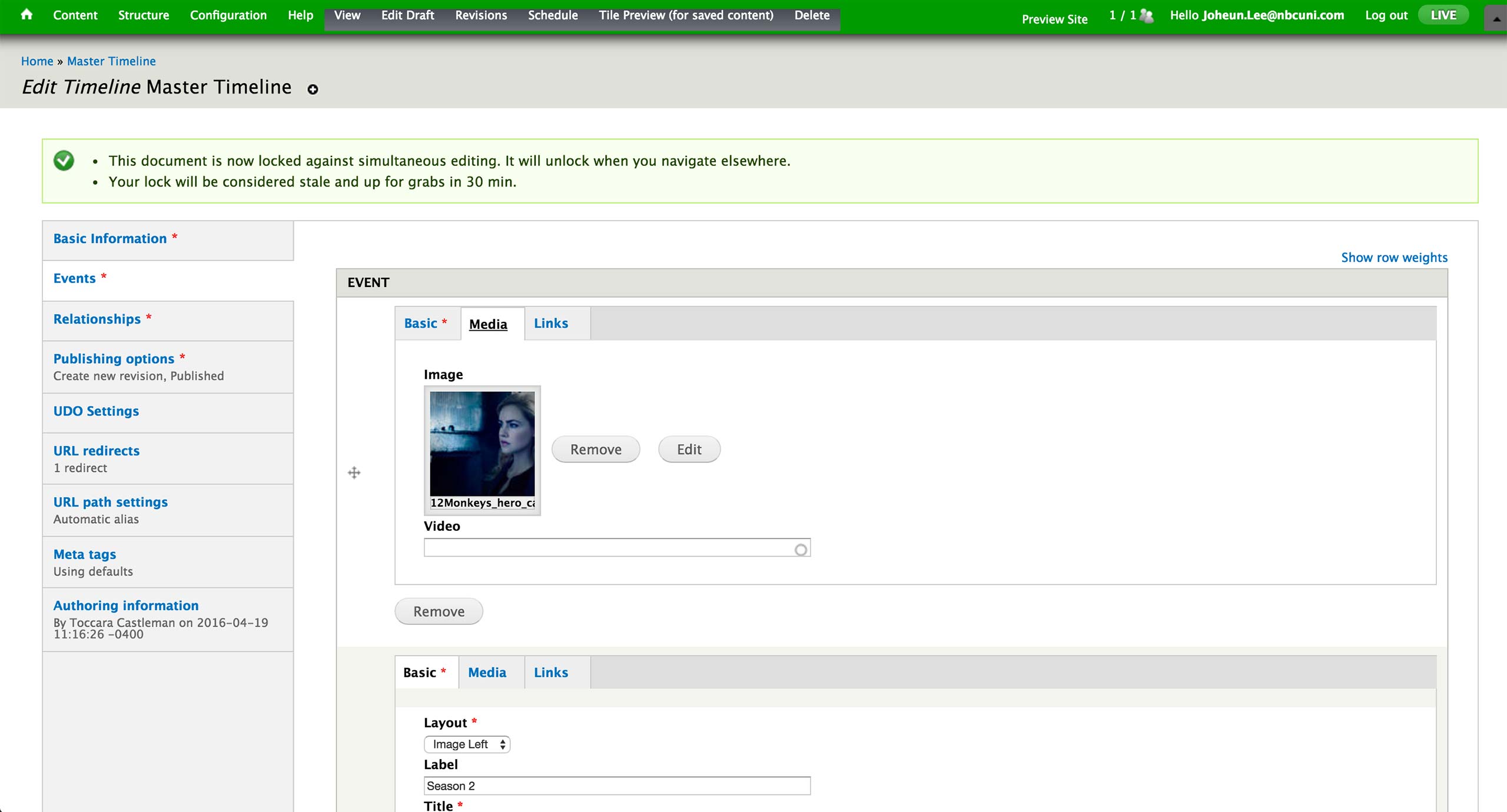
Events tab is where all the event shelves are created. Each shelf can have label, title, text, image or video.
Layout: There are 6 options: Text, Image Left, Image Right, Full Image, Video Left, and Video Right. This determines how the materials are presented in the timeline.
Label: Text on the section separator.
Title: Title of the shelf.
Description: Text for the shelf.
Based on the Layout selection, producer attaches an image or a video to display in the shelf.
Currently, there is no real use cases of Links tab.
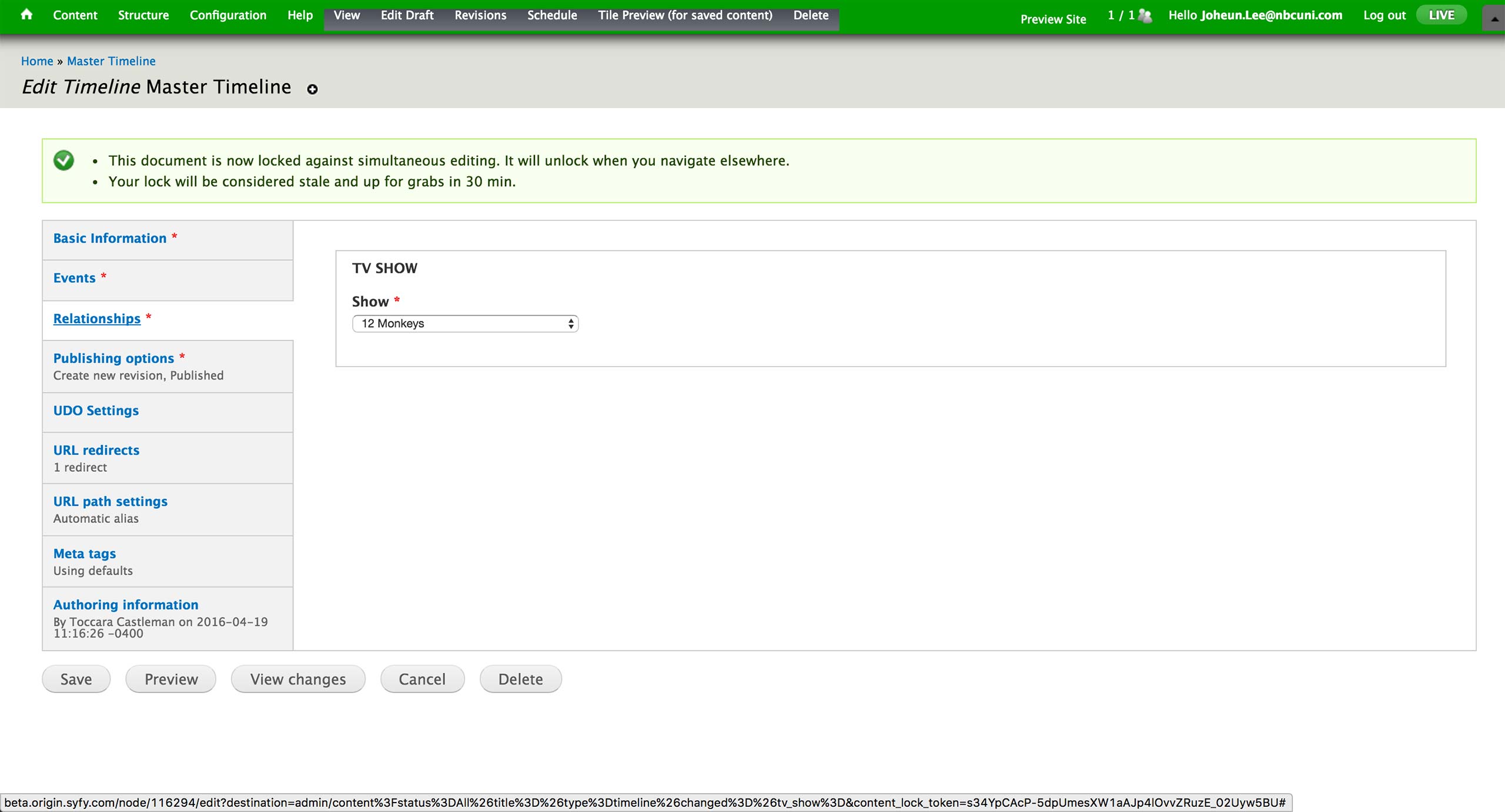
In the Relationship tab, producers are required to fill in the association to a show.