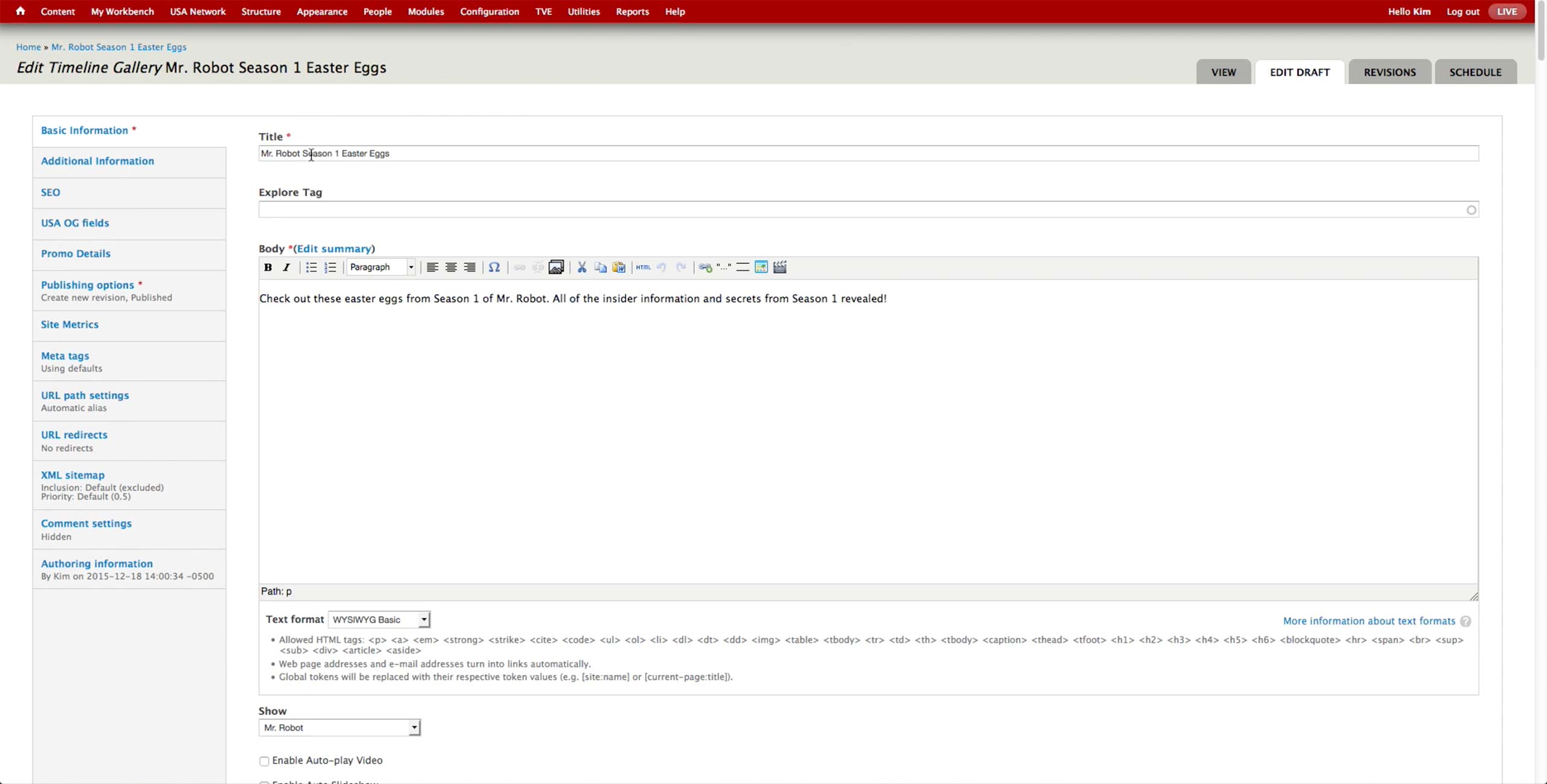
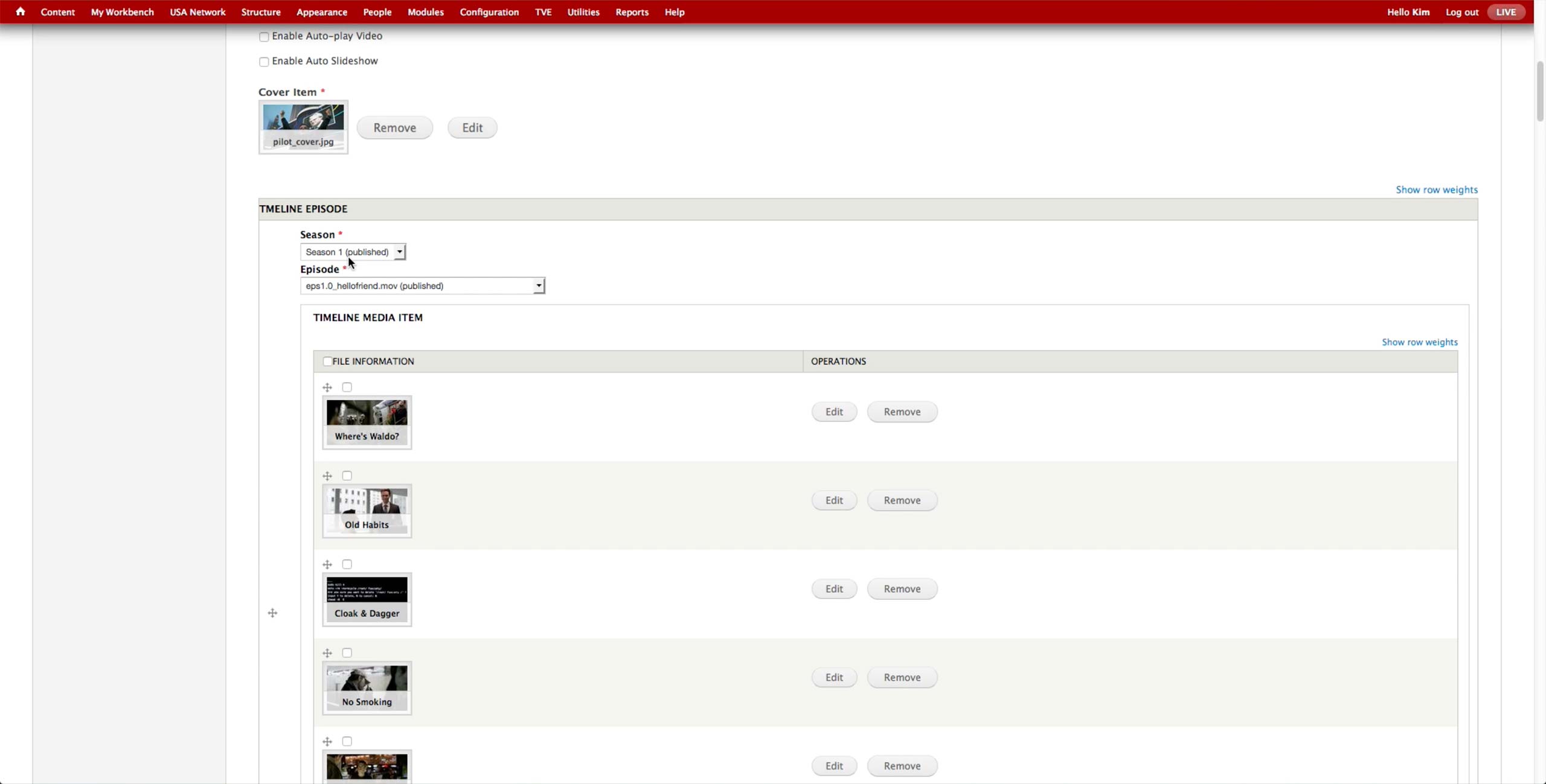
At the bottom on the same tab, there are options to autoplay video and the slideshow of the image, as well as the Cover Item field to set the representative image of the gallery.
For each page of the gallery, producer selects the Season & Episode of the show and the images or videos to display. In case of the videos, producer needs to upload them through MPX and manually run Cron to leave the video in the CMS but unpublish them from the site. Then, she needs to select them one by one, which takes a long time.