Catchall Page & Microsite Use Cases For Other Brands
Catchall Page &
Microsite Use
Cases For
Other Brands
Catchall Page
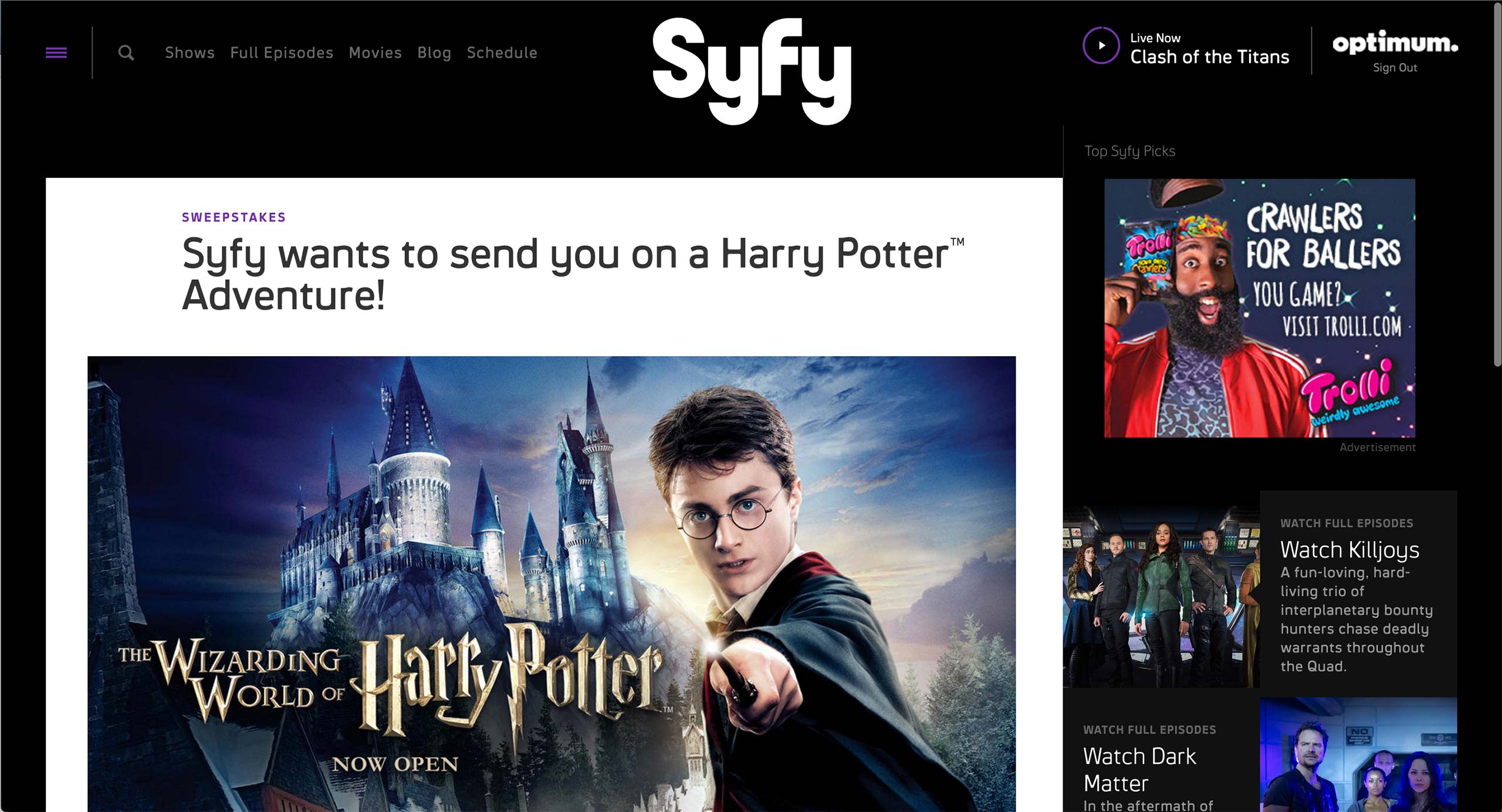
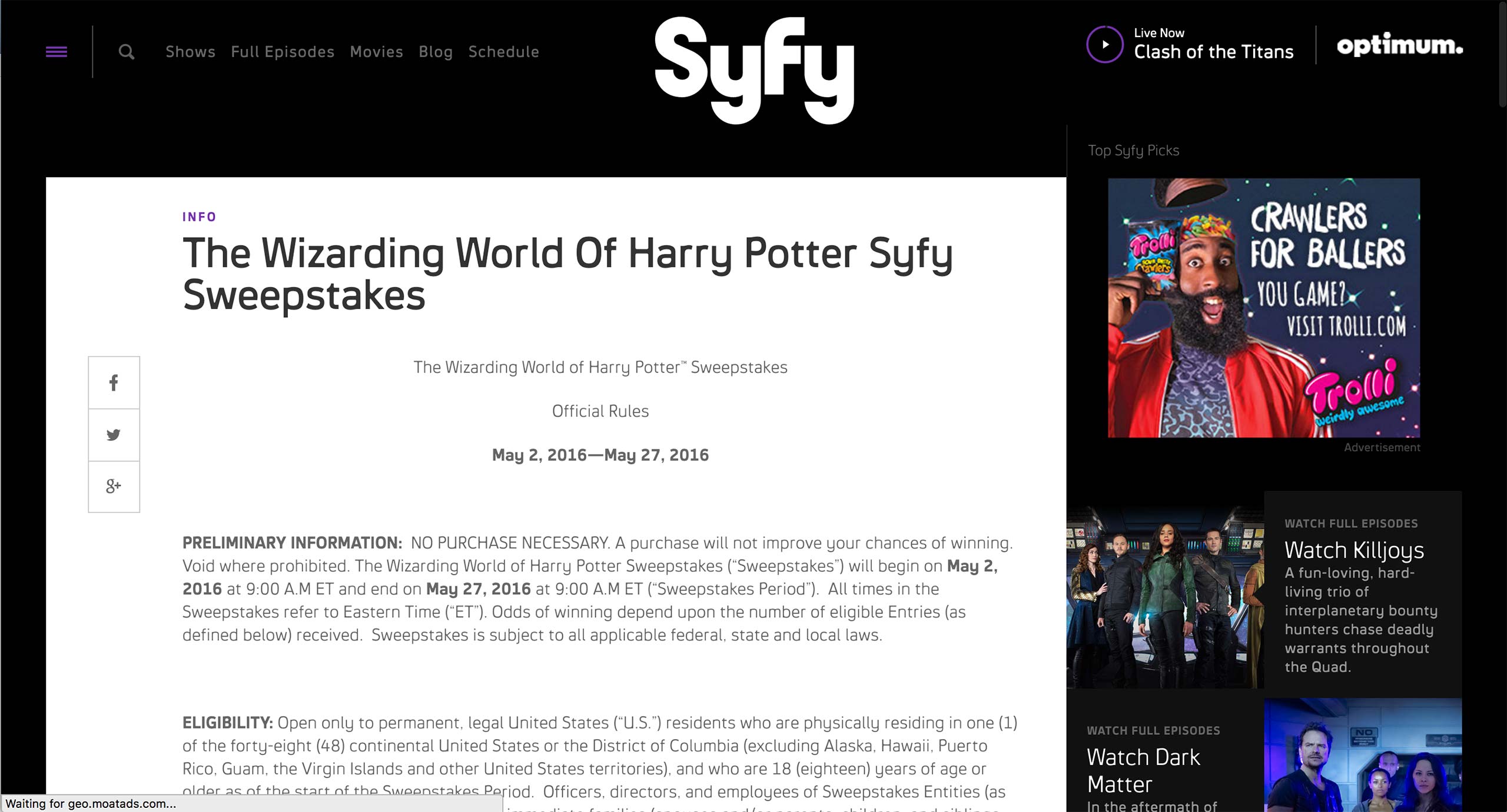
Syfy has a content type called Basic Page, where any content that doesn’t belong to a specific show goes. It is usually used for Sweepstakes and rules.
Catchall Page
Syfy has a content type called Basic Page, where any content that doesn’t belong to a specific show goes. It is usually used for Sweepstakes and rules.
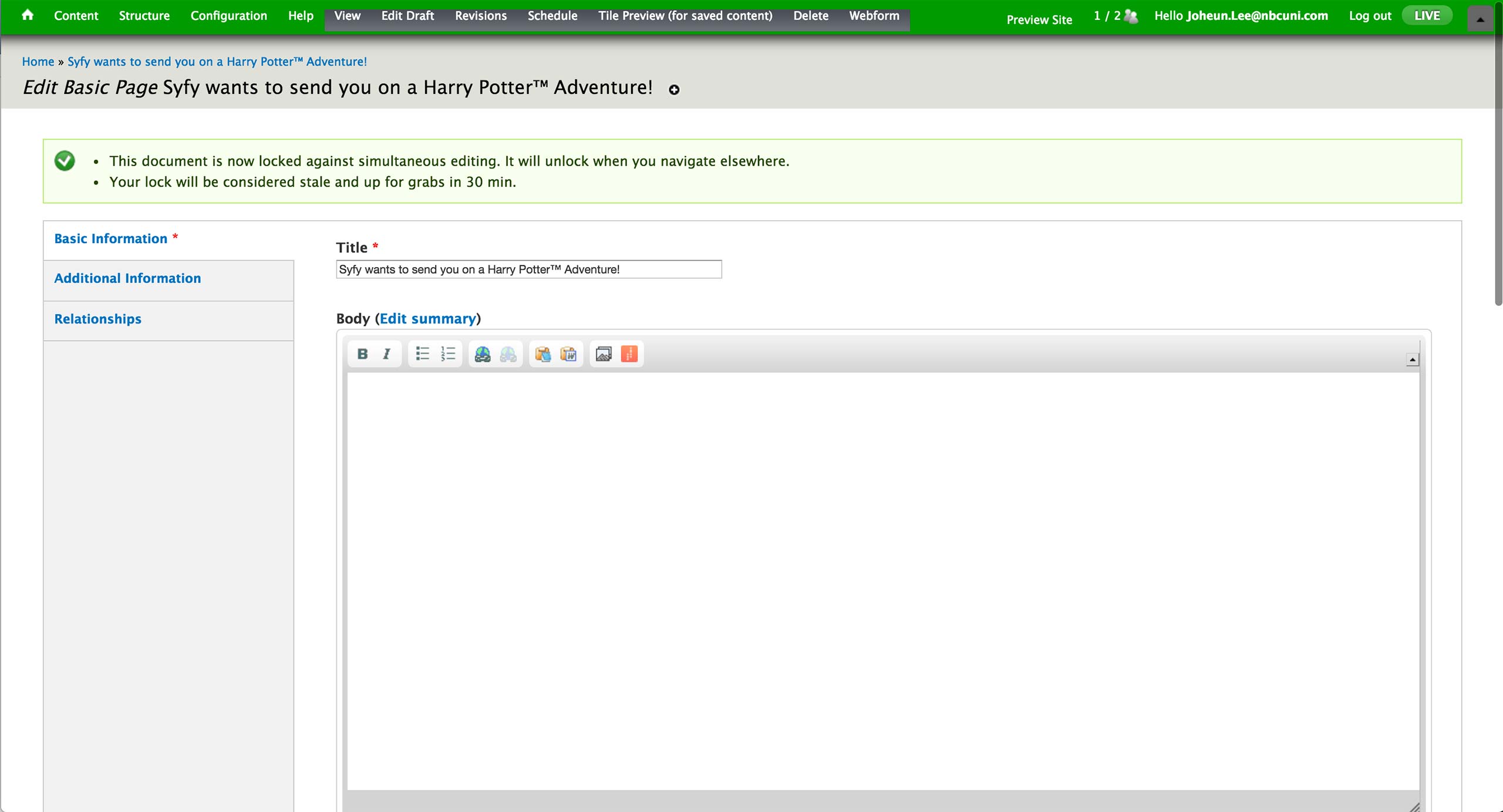
In the CMS, producer fills out the Title of the page as well as any body content. The sweepstakes rule would use Body area’s WYSIWIG editor; WYSIWYG, Plain Text, and Display Suite Code options are available to an editor.
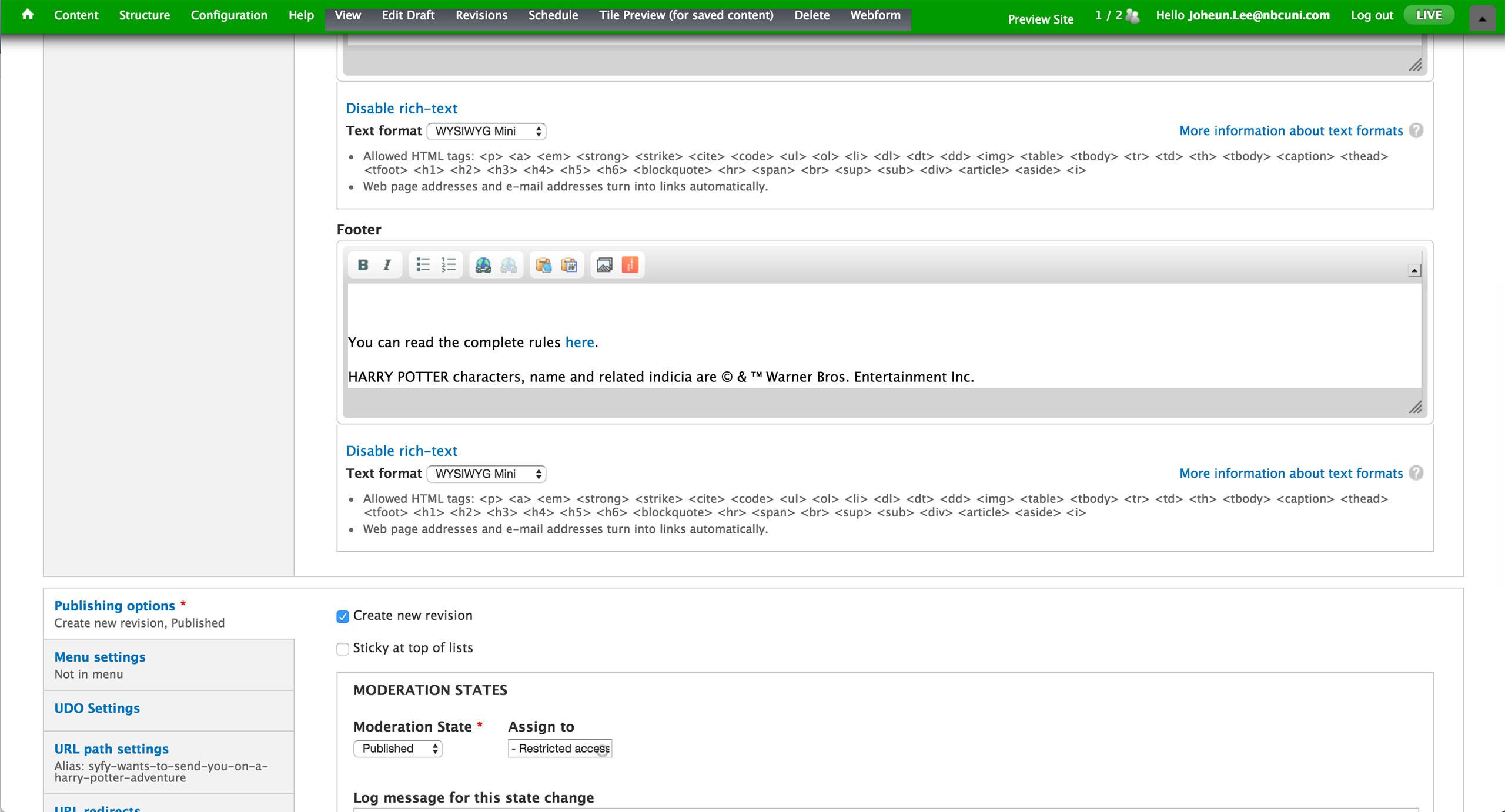
Below, there is a footer section. This field is used when there is Sweepstakes form in the body area and there needs to be additional text below.
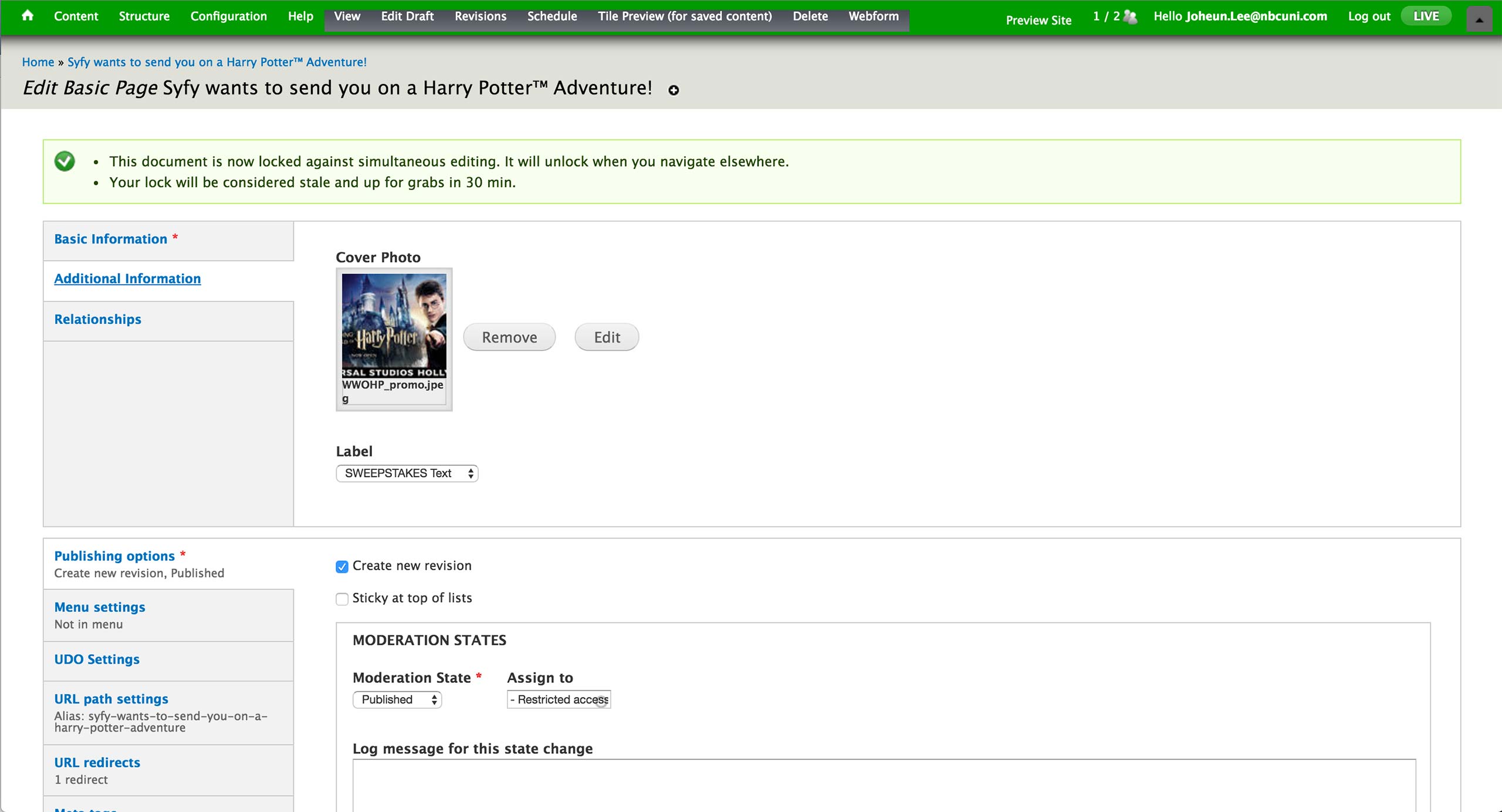
In the Additional Information tab, producer can set the cover photo that appears at the top of the page, as well as the Label that appears above title text. Labels are all pre-defined, and most used labels are SWEEPSTAKES and INFO.
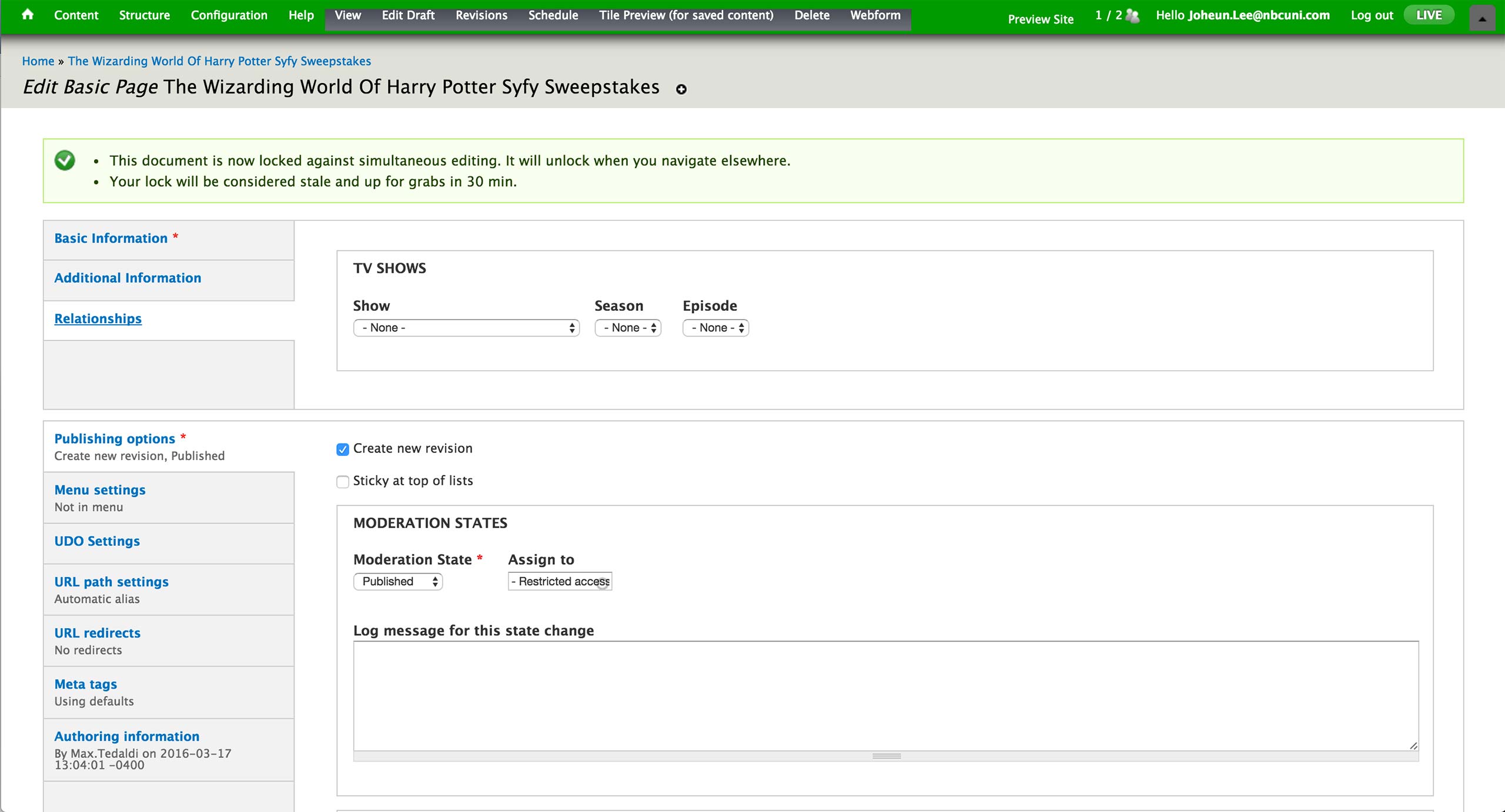
Lastly, the relationship to the show, season, episode is set in the Relationships tab if the page is associated with a specific show in Syfy.
Microsite
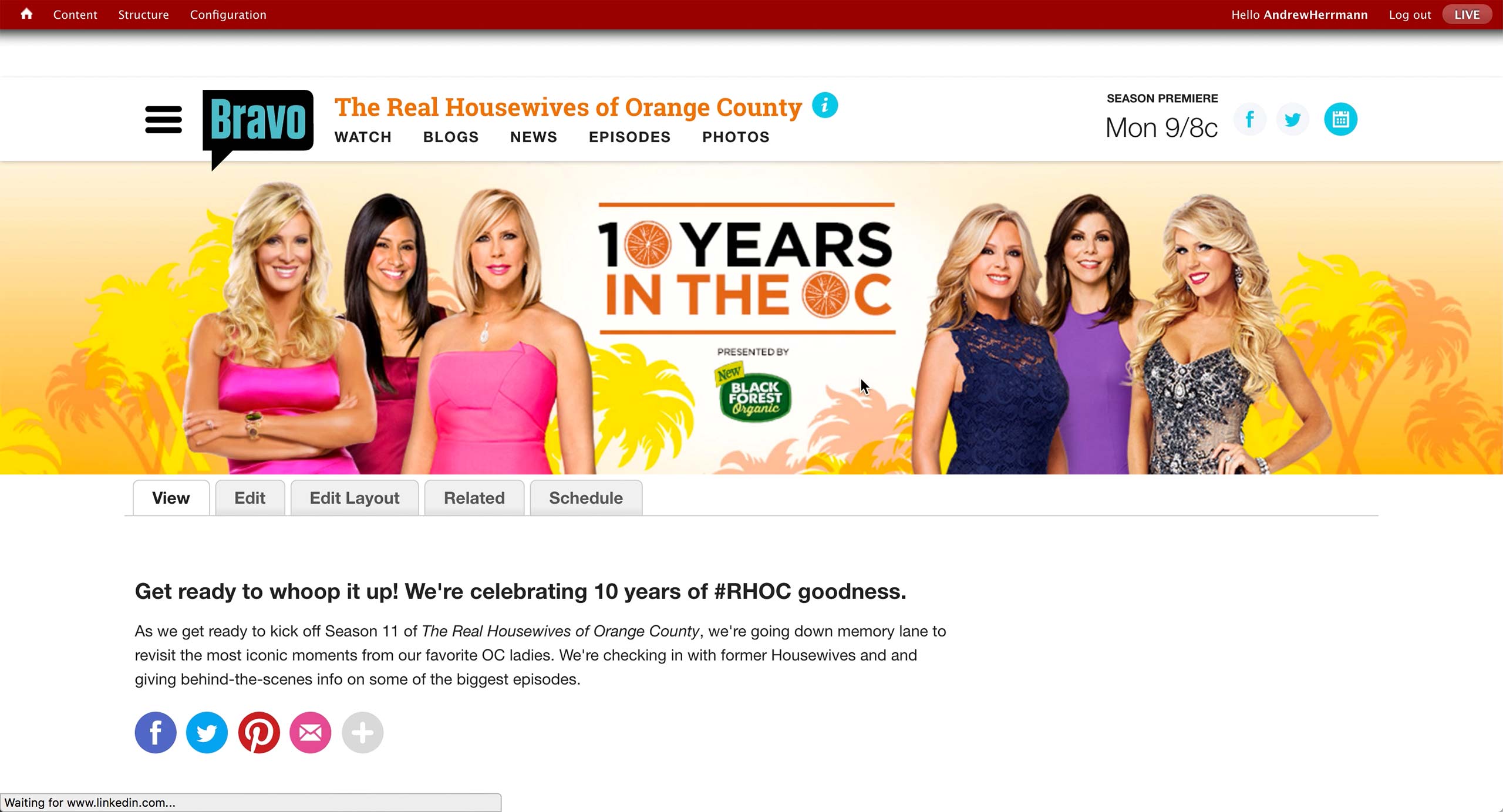
This is how a typical microsite from Bravo looks like when the producer is logged into CMS.
There is a banner at the top with short introduction text below. There is a sponsored logo in the banner for this sponsored campaign.
Microsite can be created for special occasions like the 100th episode or any kind of hub that producers editorially decided to create.
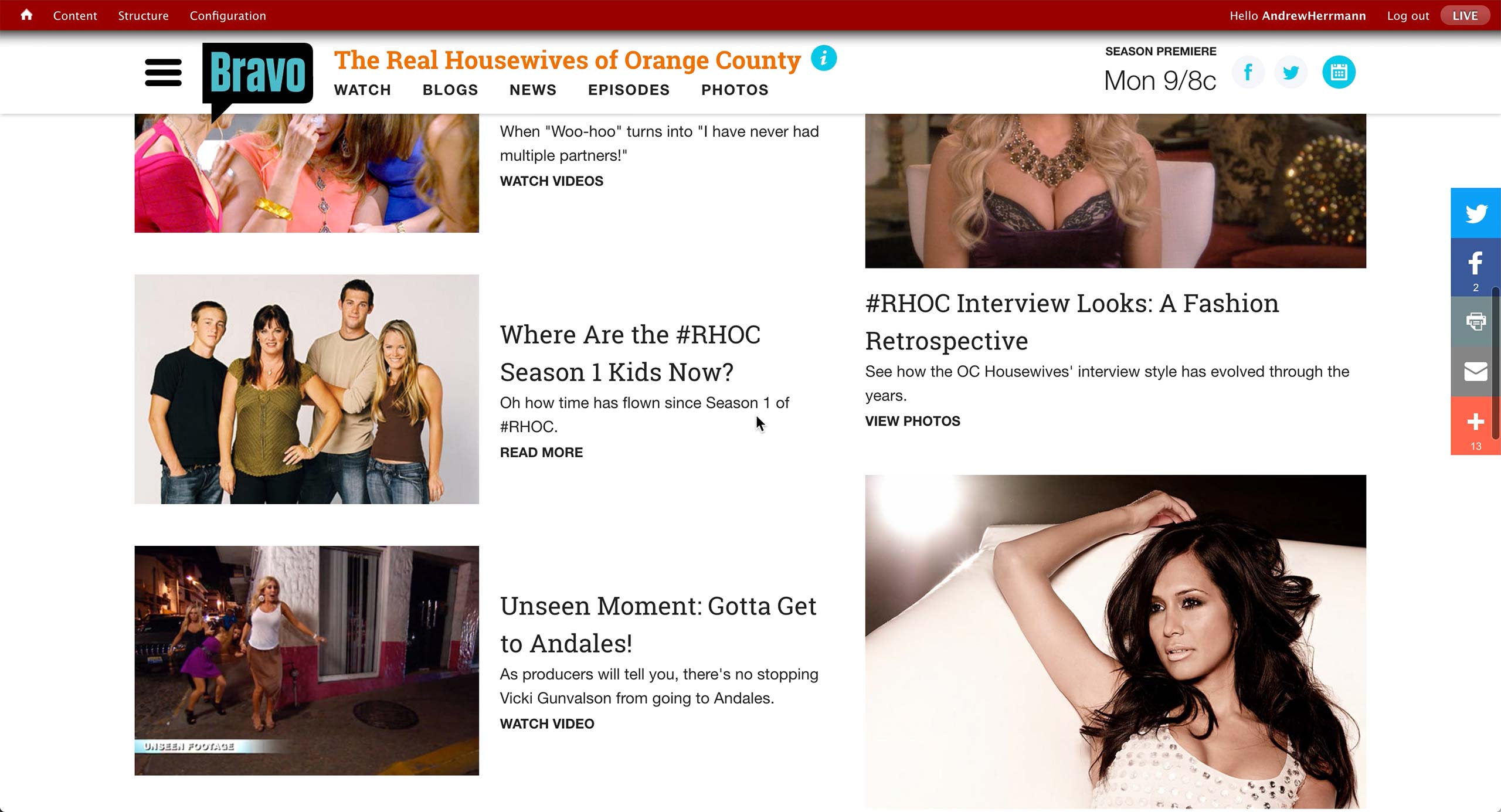
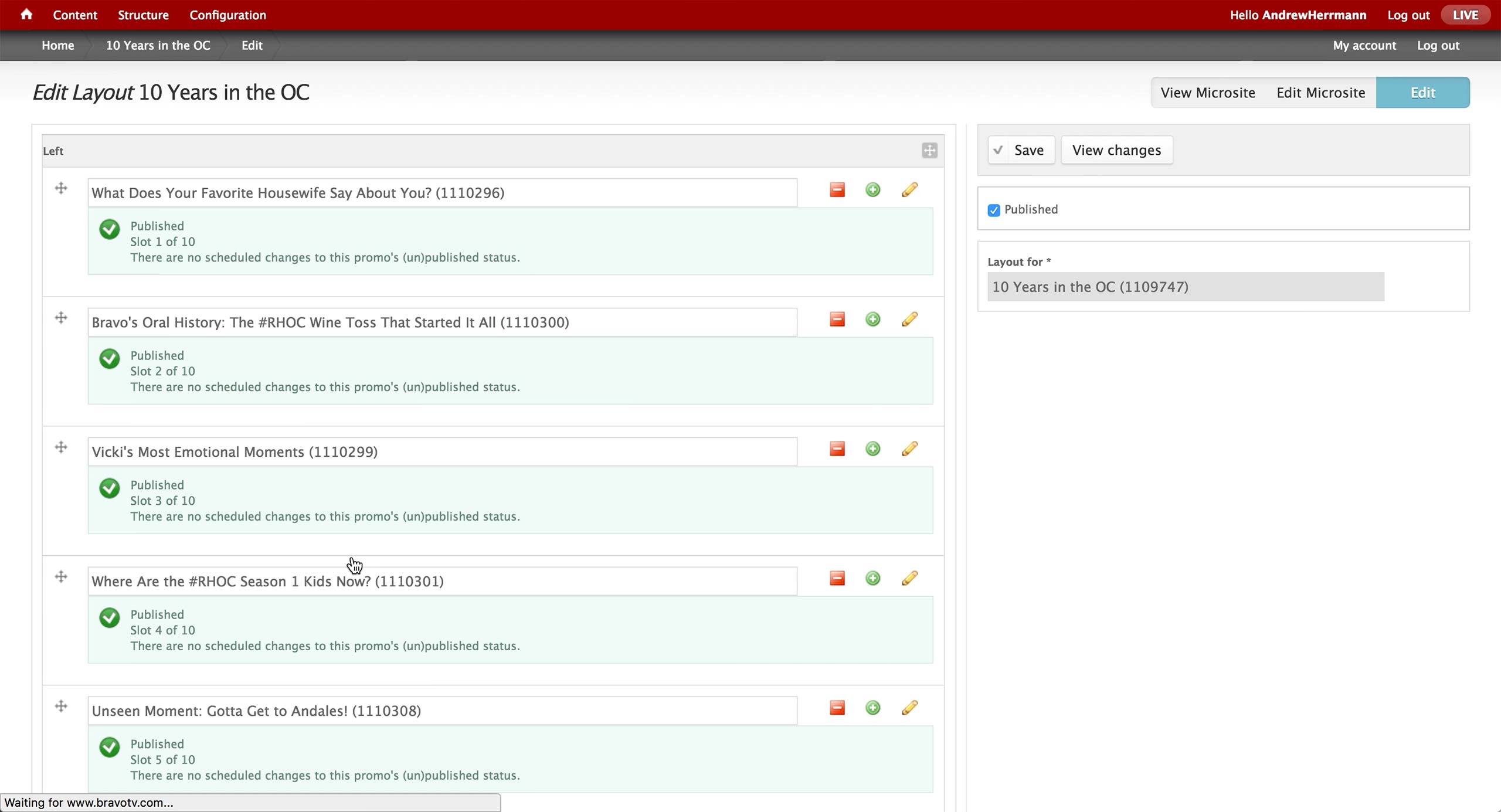
Rest of the page has various content that producer curates. Left rail holds up to 10, and right rail up to 4 content items.
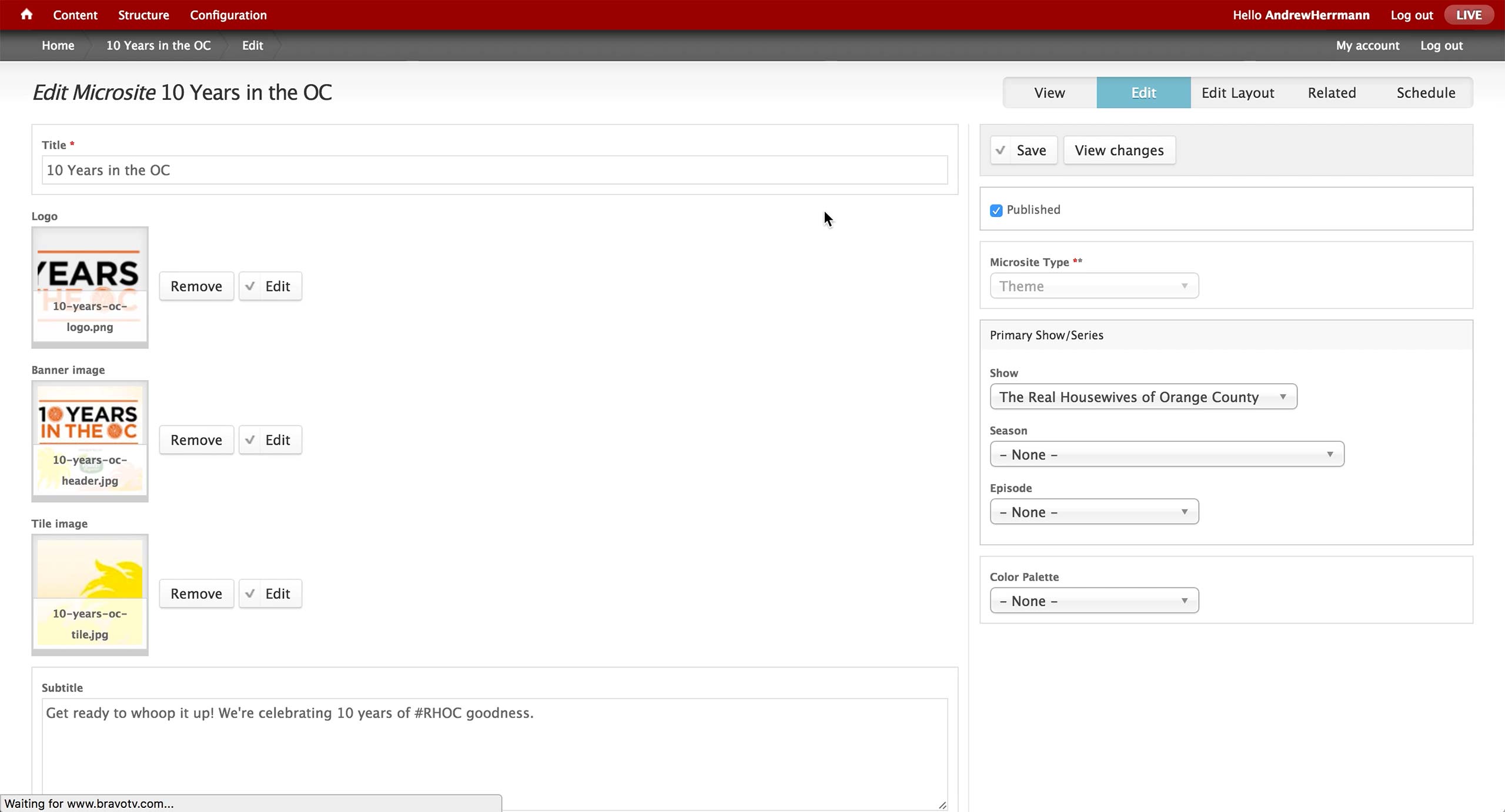
This is the initial screen of the Microsite Content Type in the CMS. On the left, producer enters the title of the microsite and attach images for each of the section. Subtitle appears right below the banner image.
On the right, there is a dropdown to select Microsite Type. There’s Cast Blog, The Daily Dish, Awards, Lookbook, Popup, and Theme. Depending on the label, the content renders in a different layout and design on the front-end website.
Also, an association to show, season, and episode is made if the microsite is related to a specific show in Bravo.

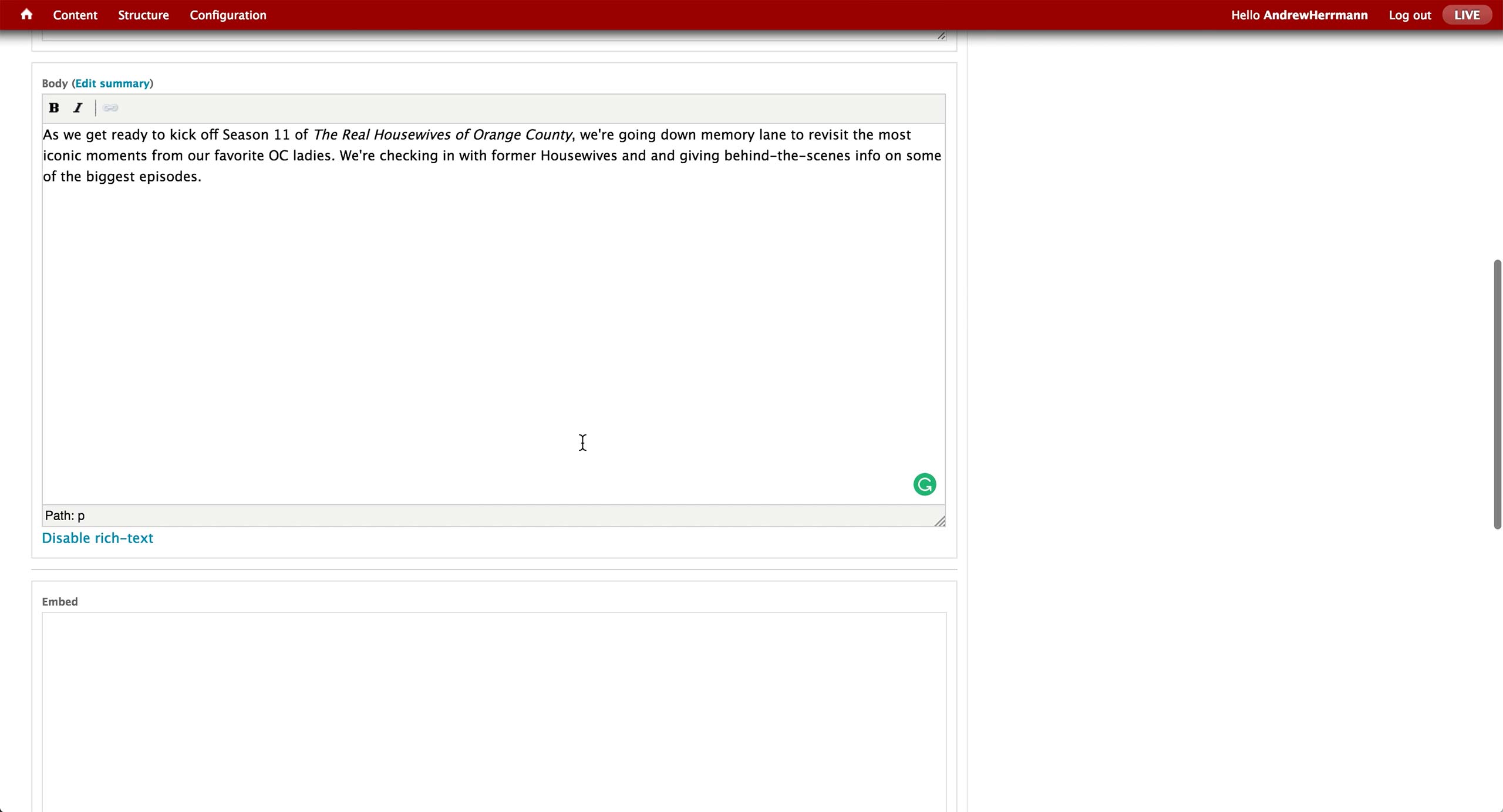
Below the subtitle is the body text area, where producer enters the introductory text. There is an Embed text area to copy and paste any embed code to be displayed on the microsite.
Once the microsite is created, a Layout content can be created with appropriate Promos. Then, the layout is associated to the microsite on the right rail.
Microsite
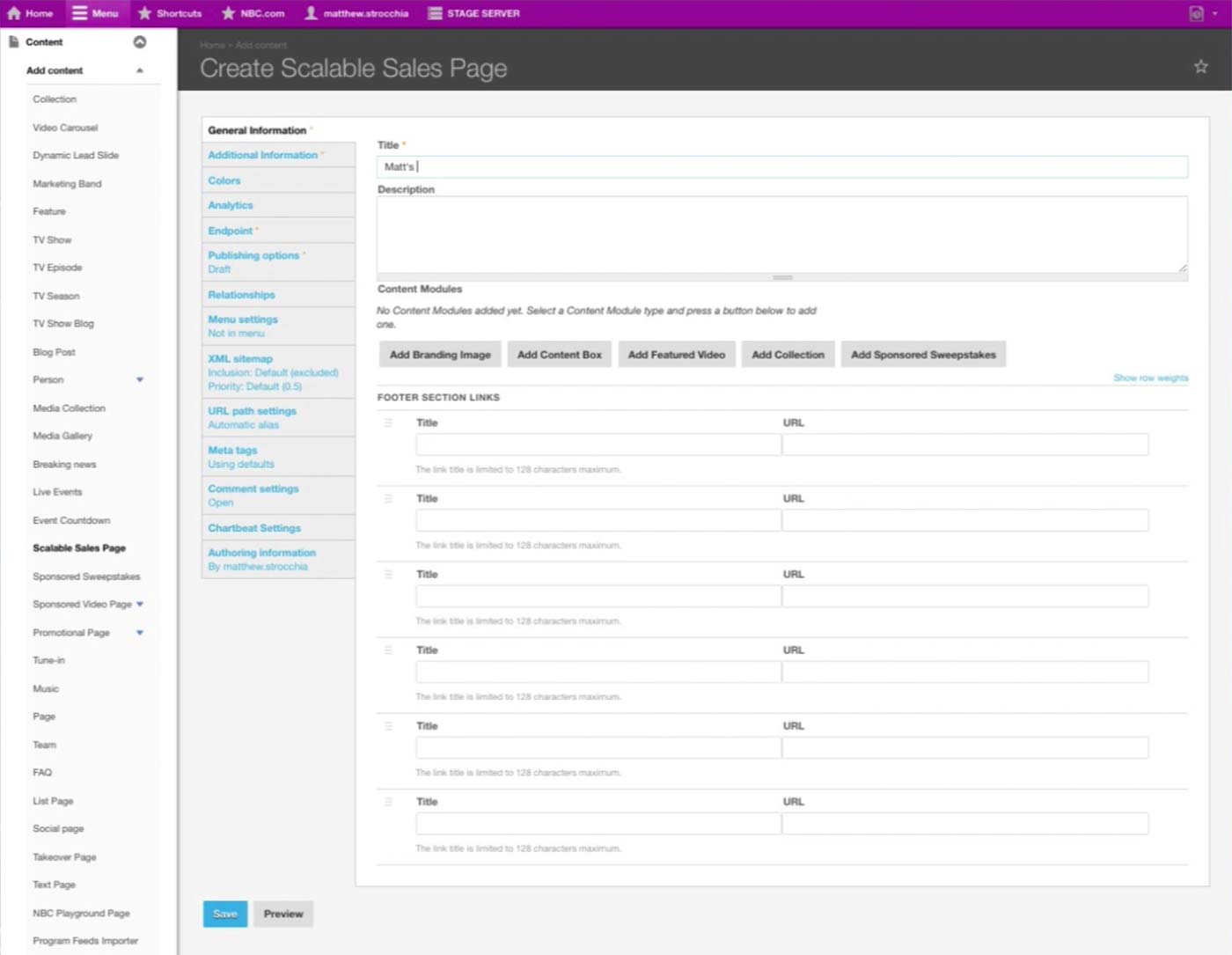
NBC is moving away from a free-form site and towards page as a saleable unit. They have a Content Type called Scalable Sales Page for any one-off page.
There are standard Title and Description fields, and underneath is the Content Modules section where producers add content in blocks.
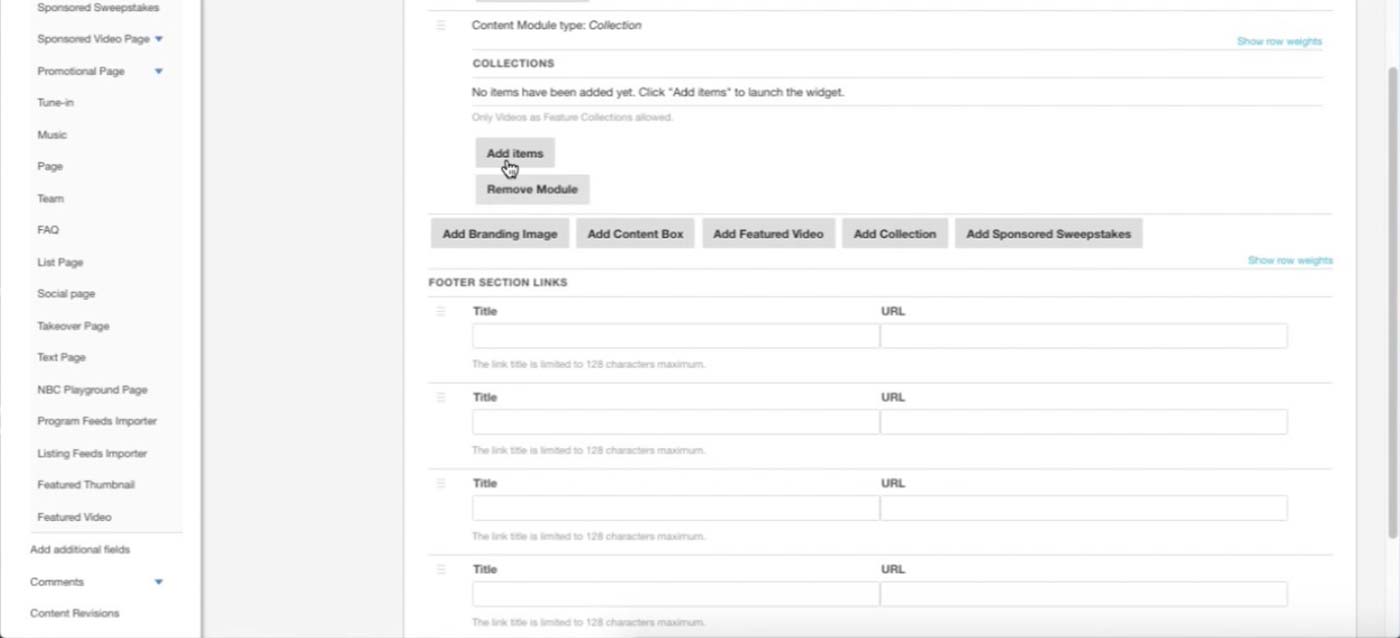
Producer can also configure the Footer section with custom Title and URL. The design would be the same with the overall NBC.com website.
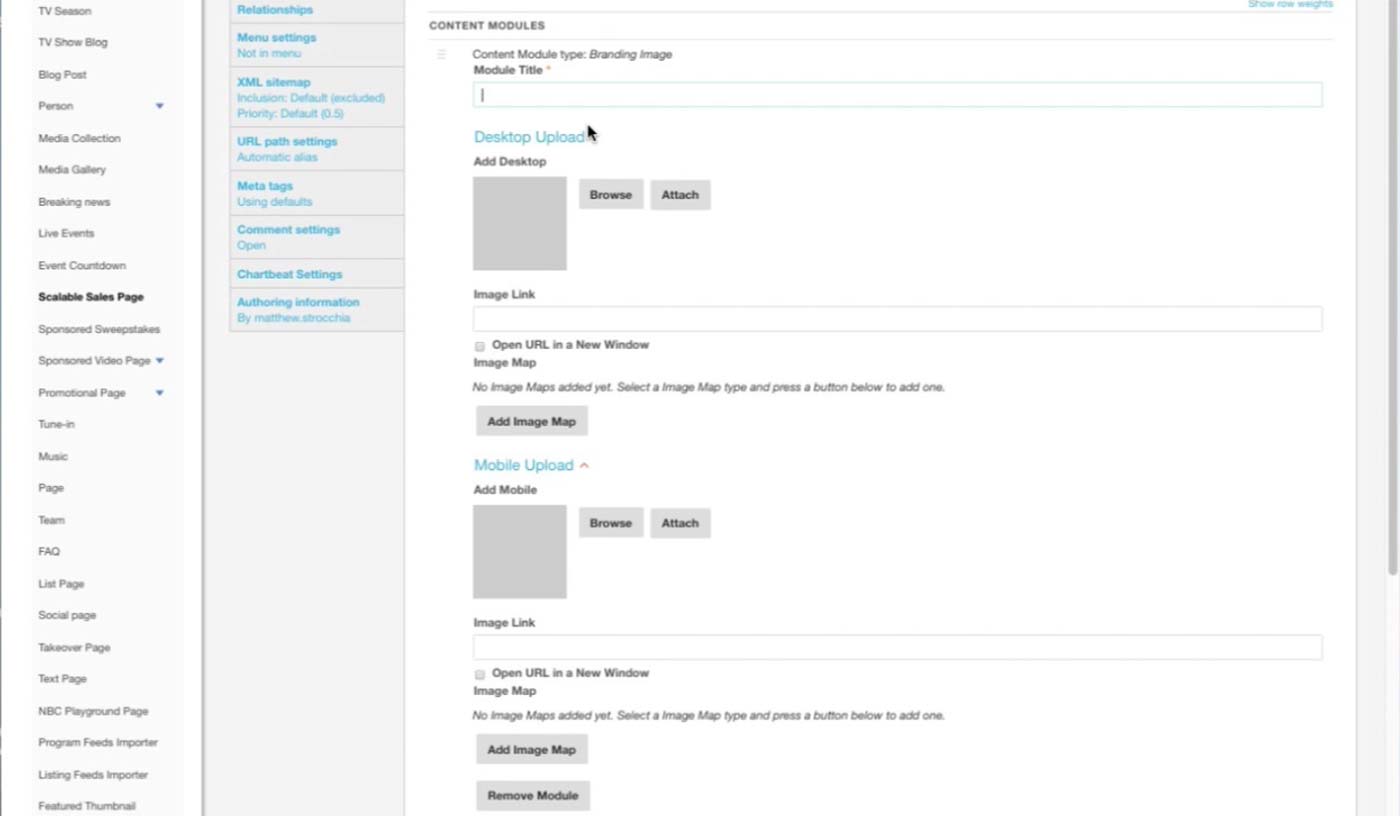
This is the Branding Image module. After the title, producer uploads two separate images for different platforms/sizes and sets link URL for each. If certain area of the image needs to link out to a different URL, he can click on Add Image Map button and set the area and link.
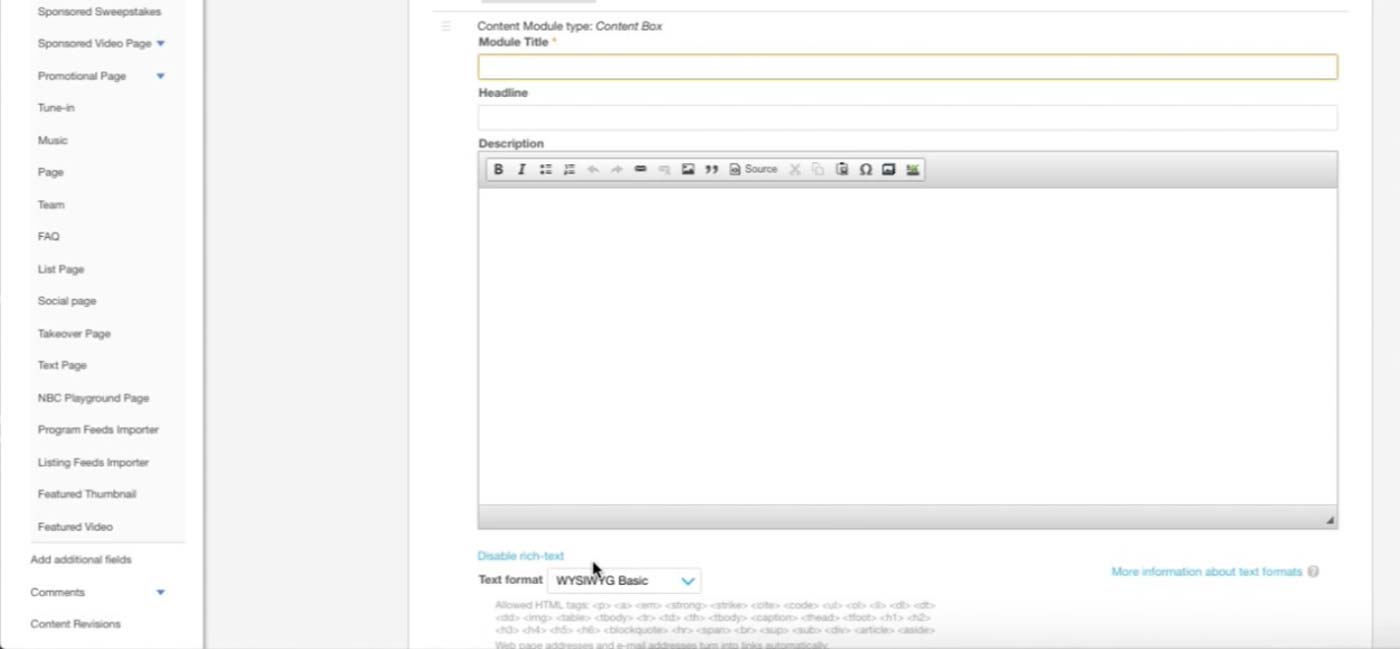
This is the Content Box module. Producer can enter text or any iFrames that sponsor asks to insert here.
This is an example of the Collection module. Right now, producers can only add Videos to Collection, and they will be rendered as a playlist on the site.
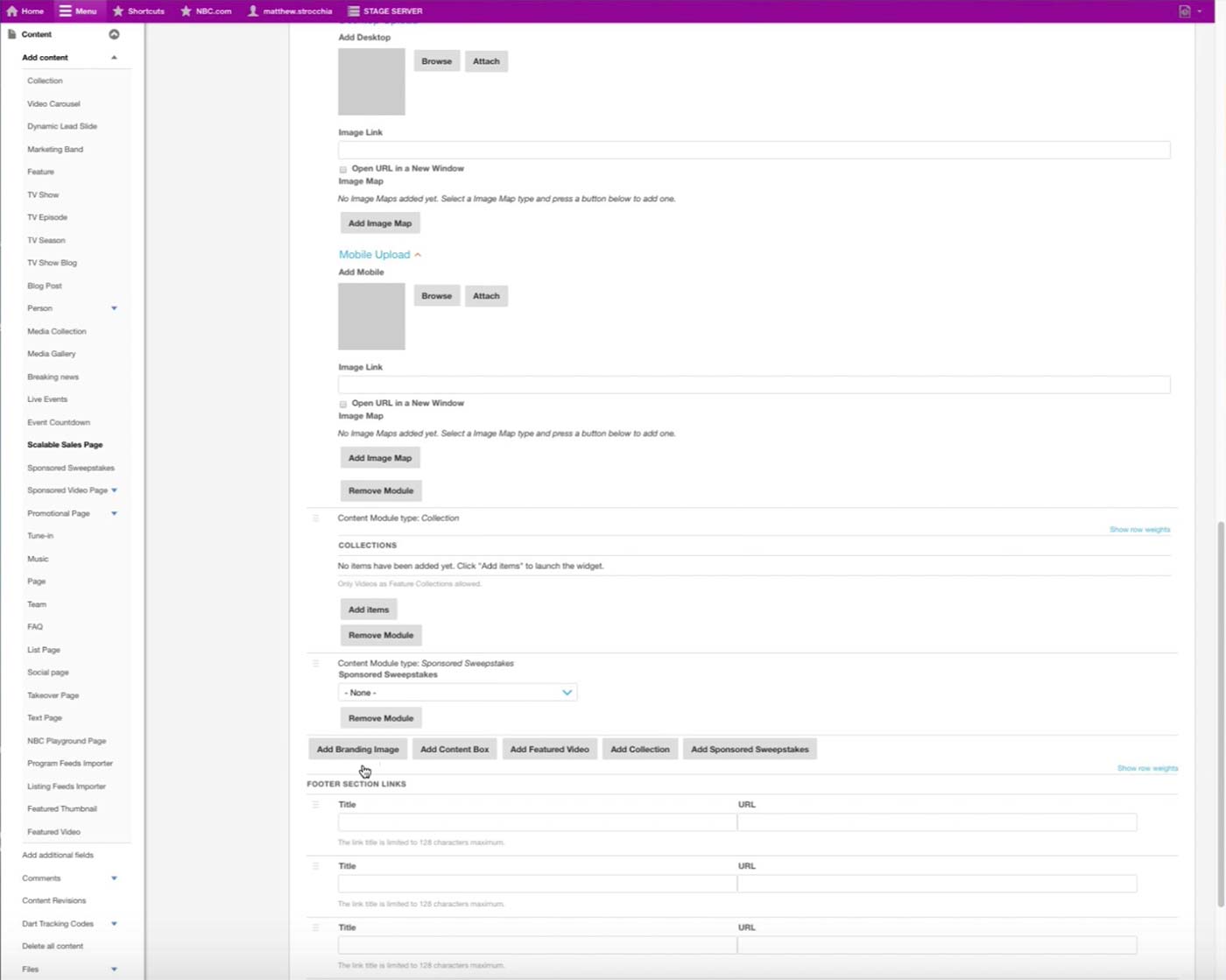
Finally, Sponsored Sweepstakes simply refers to a Sponsored Sweepstakes content type and displays the form in the site.
Once multiple modules are added, they can be dragged for rearranging. Sponsor often gives feedback regarding where content lives on the page, so producer would need to use this feature often.
Other module
Featured Video: Featured video player on the page.
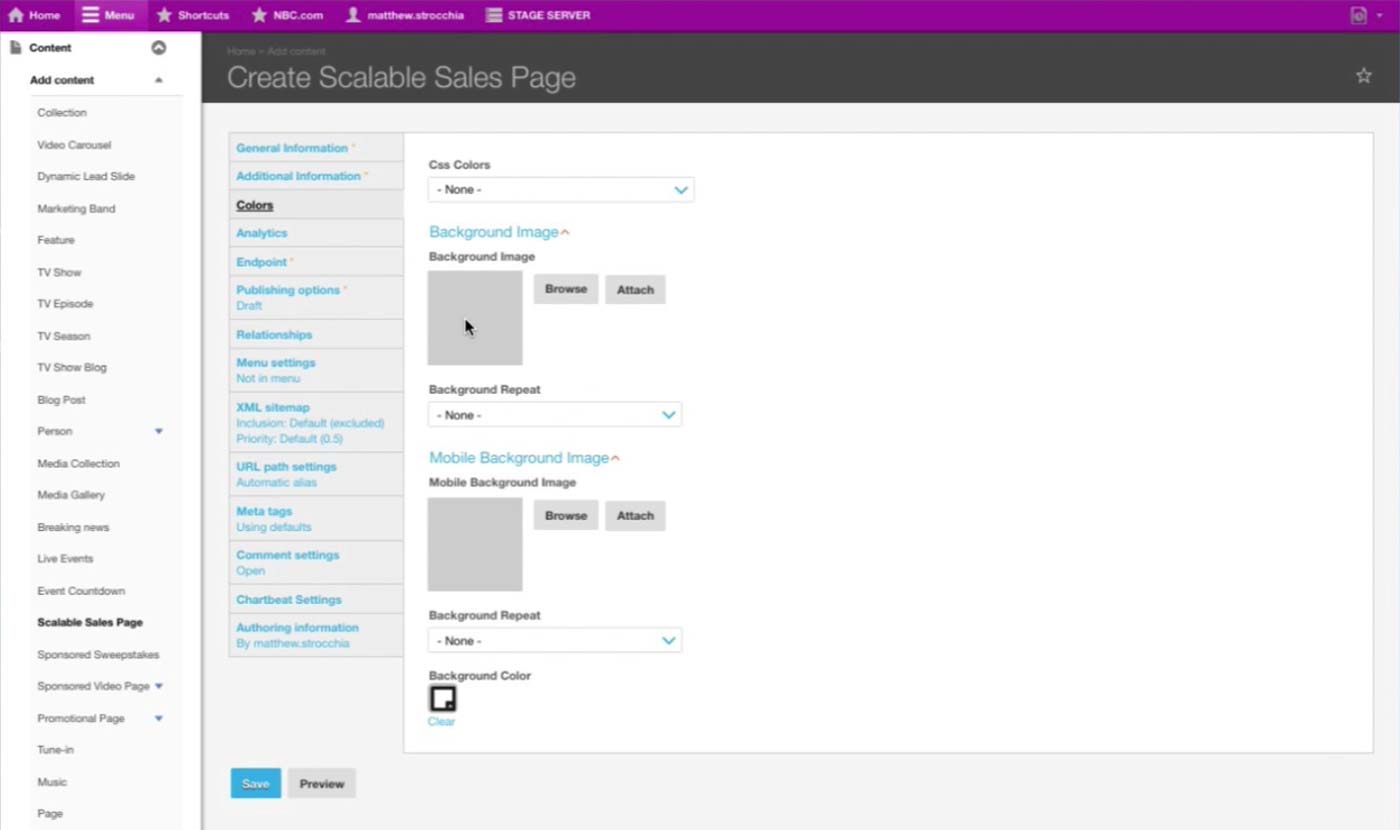
In the Colors tab, producer sets Background images for different platform/sizes.
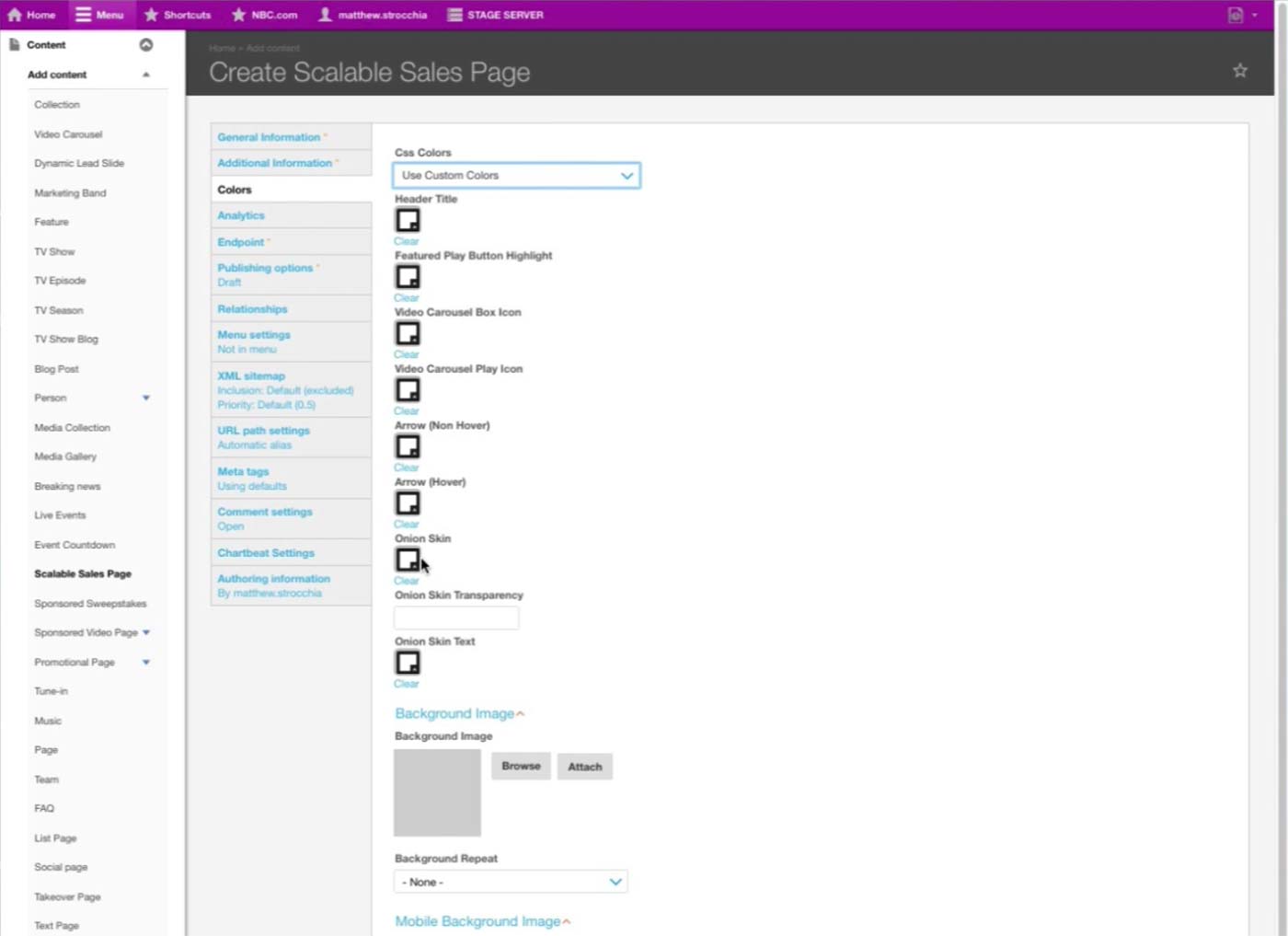
Once Use Custom Colors option is selected under CSS Colors, then color selectors for each fields appear.
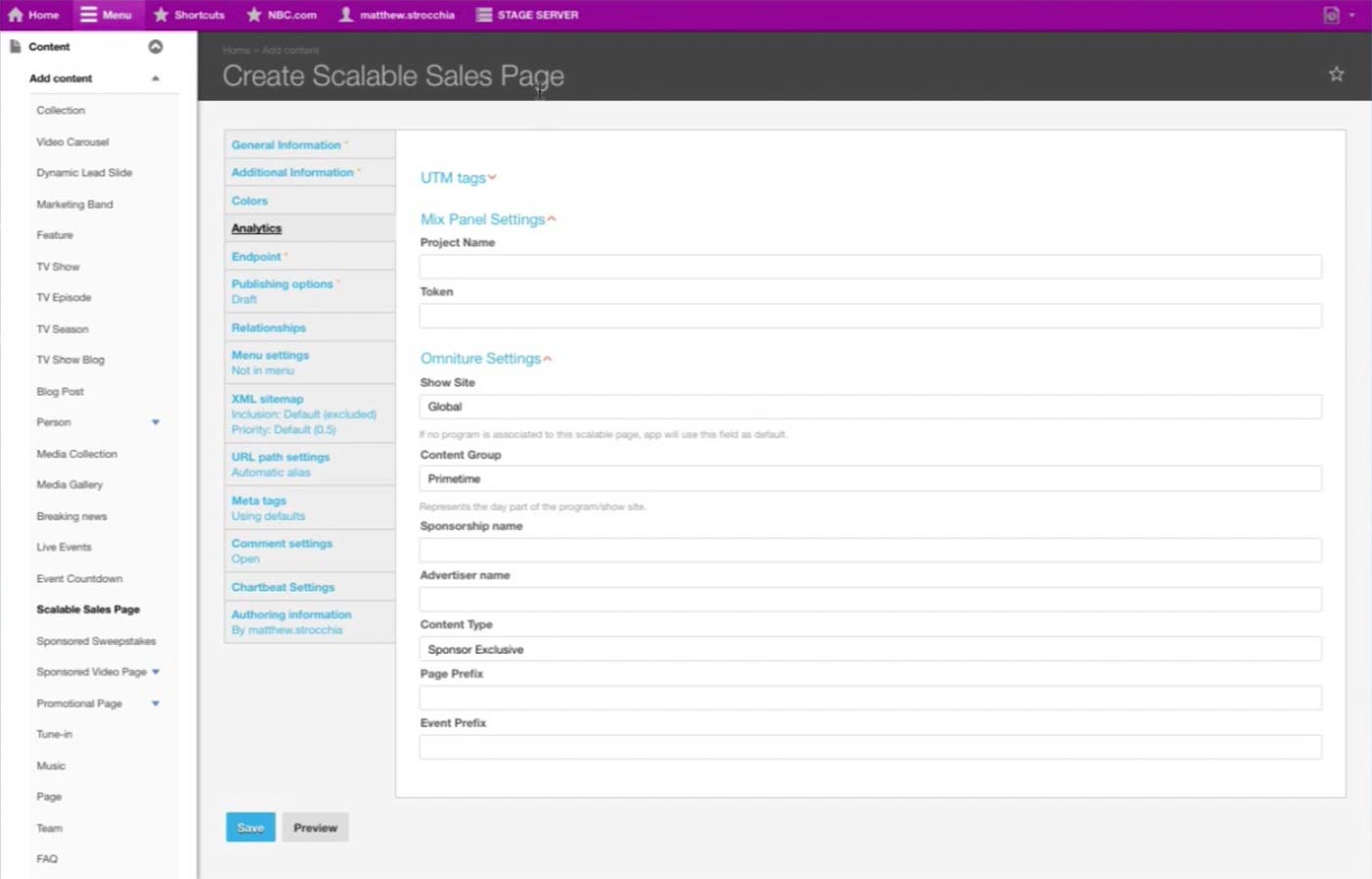
In the Analytics tab, Product Managers put in the analytics information specific to the page. It is important to override the default Analytics information with the sponsor’s.
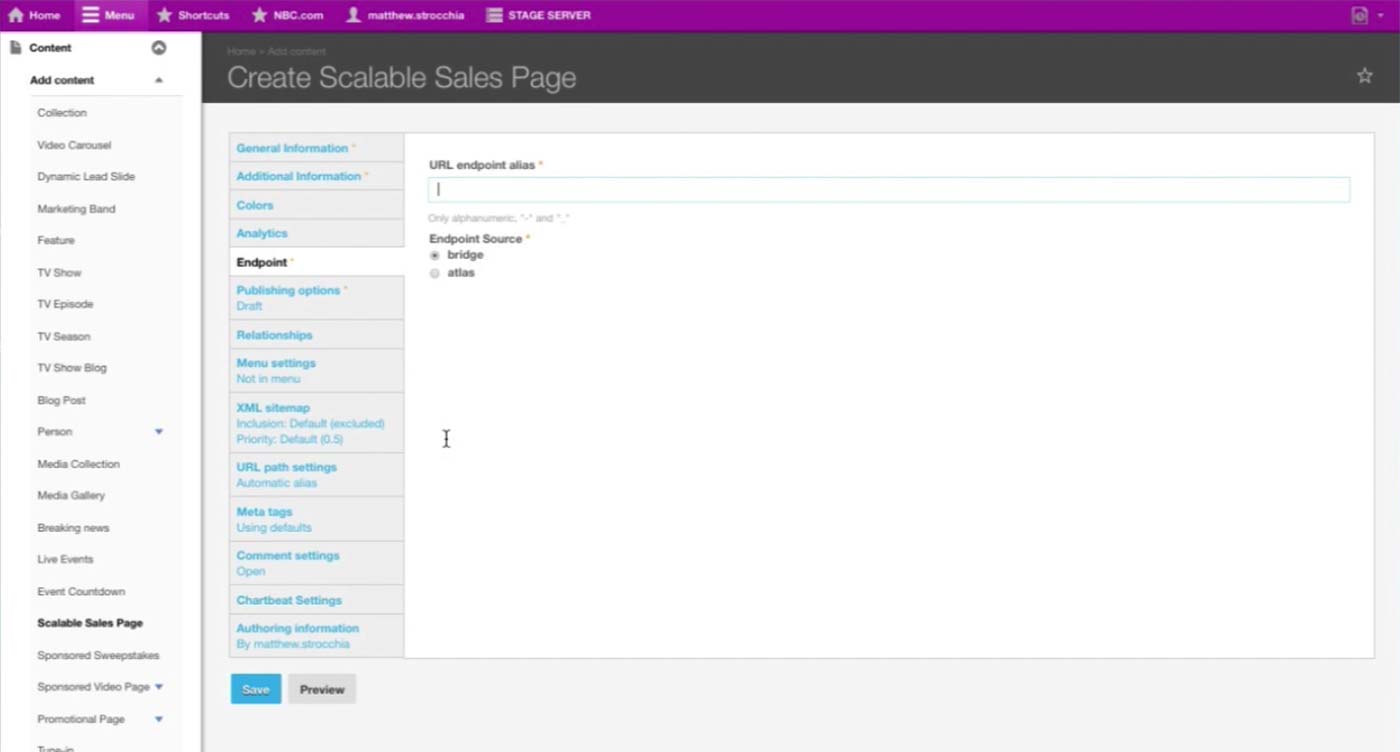
Endpoint tab has additional required information, which the Product Manager we interviewed wasn’t sure of the functionality.
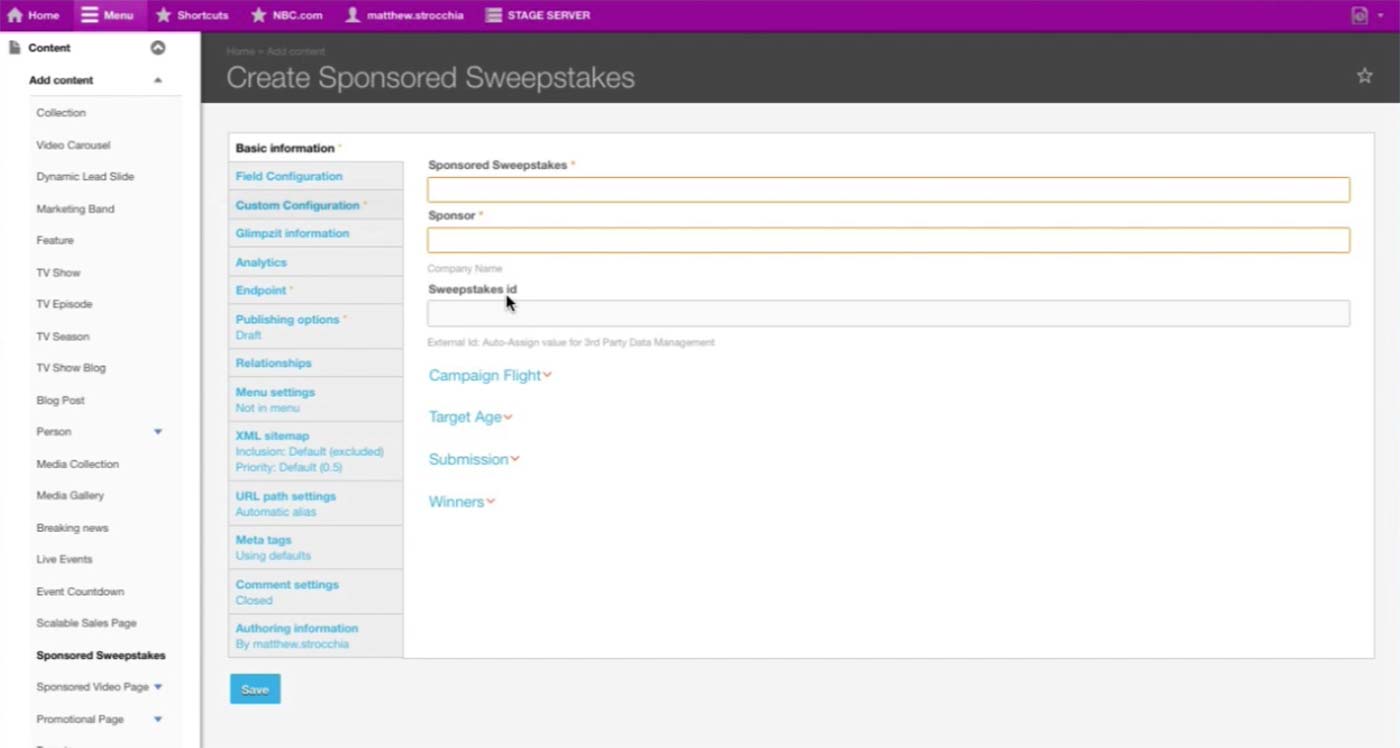
For future reference, here are some screenshots of how the Sponsored Sweepstakes Content Type looks like. (1/4)
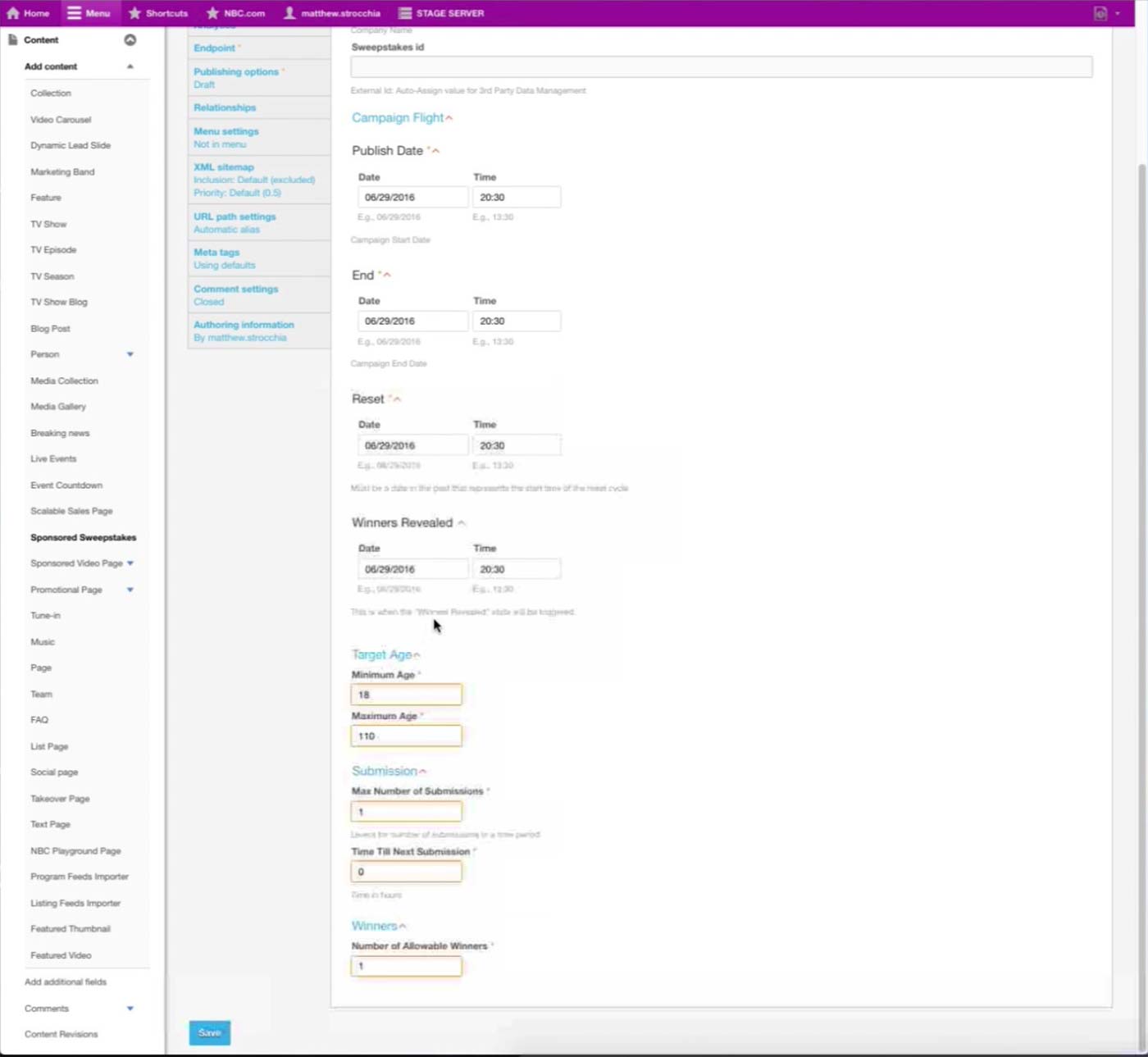
(2/4)
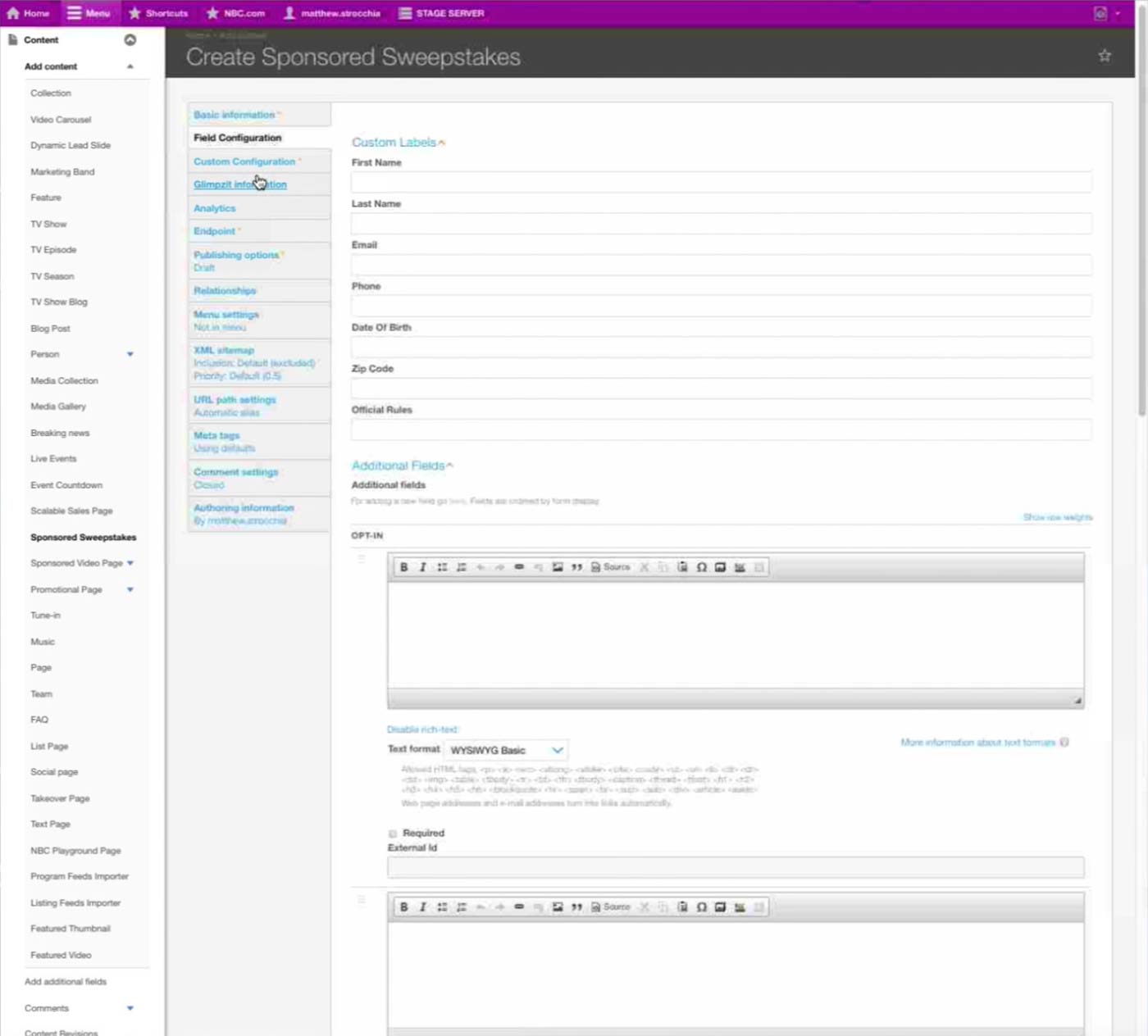
(3/4)
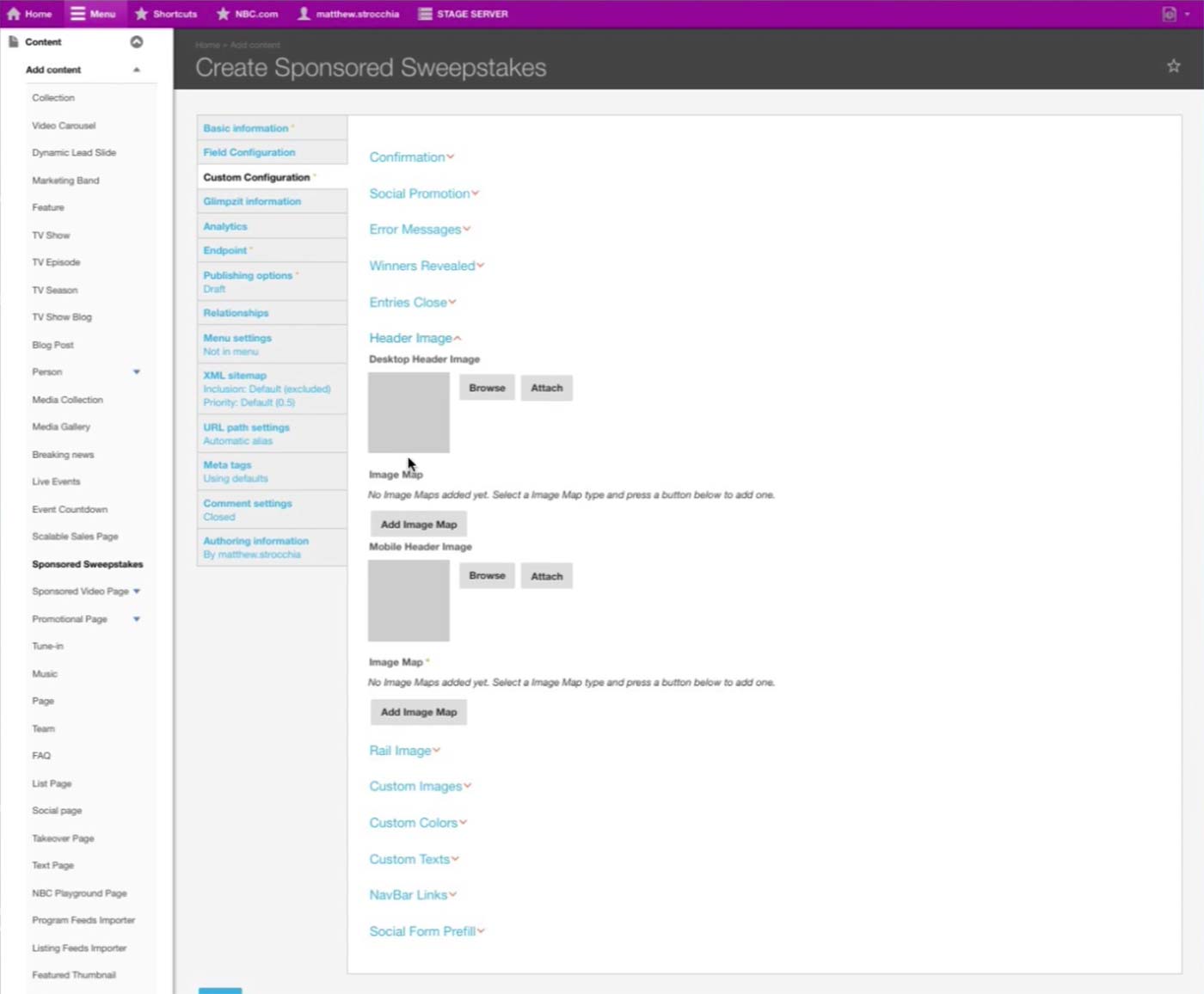
(4/4)